Prepare to use
PREPARATION
8
Open the battery compartment
Insert 4 AA batteries
Please use Alkaline or rechar-
geable Ni-MH battery for long
working time.
Please ensure correct polarity
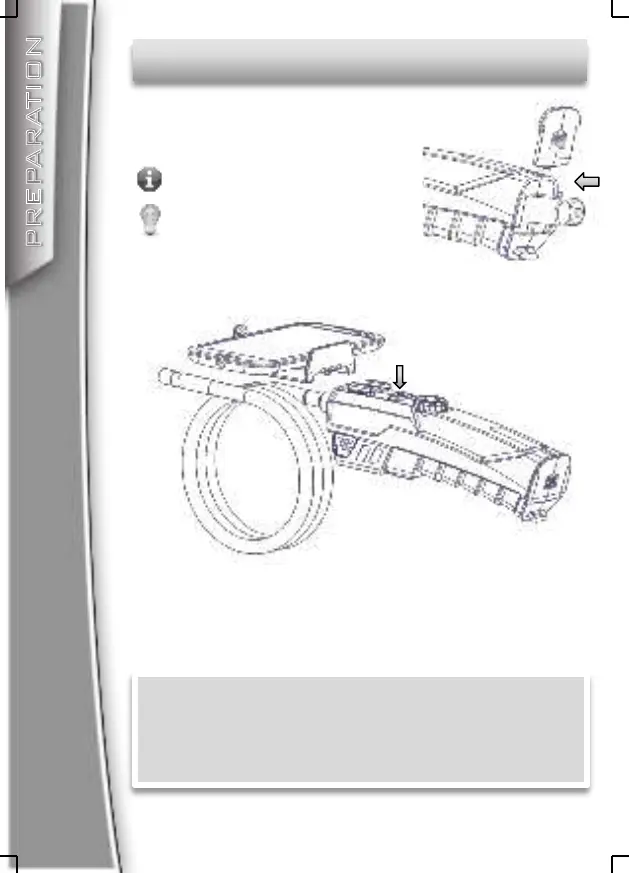
Press the Power On/Off button to turn on the device
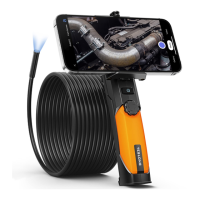
Fit the phone holder to the support if you want to
use the device with a smartphone attached.
Now the Wi-Fi Endoscope is ready to use, you can
connect your PC, iPhone, iPad or Android
smartphone to this device to view, capture photos
or record videos.


 To Next Page