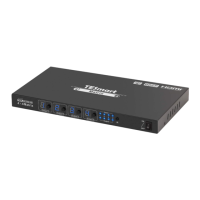
Need help?
Do you have a question about the TESmart HKS0202A2U and is the answer not in the manual?
Information regarding the reproduction and use of the user manual.
Provides the company's manufacturing location details.
Visual representation of how to connect devices to the KVM switch.
Steps and considerations before connecting the KVM and devices.
Step-by-step instructions for connecting the KVM switch and peripherals.
Illustrates a typical setup of the KVM switch in a workspace.
Explains the different display modes supported by the KVM switch.
Details the KVM's capability to charge connected devices via its USB port.
How to switch input sources using buttons on the KVM's front panel.
Instructions for operating the KVM using the infrared remote control.
Commands and key combinations for controlling the KVM via keyboard.
Explains the concept and benefits of the pass-through mode for keyboard and mouse.
A list of tested keyboard and mouse models compatible with the KVM.

 To Next Page
 General