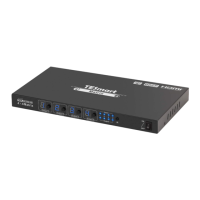
Need help?
Do you have a question about the TESmart HKS0401A1S and is the answer not in the manual?
Legal notice regarding content duplication and usage rights.
Physical location details of the product manufacturer.
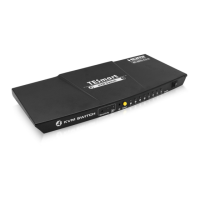
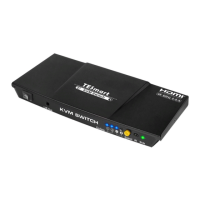
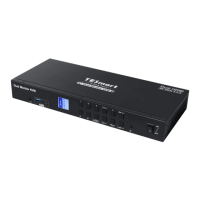
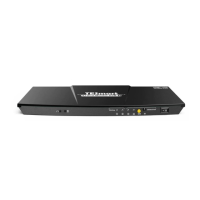
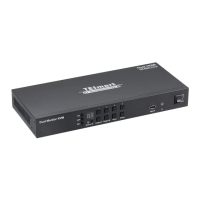
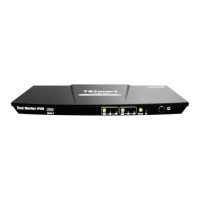
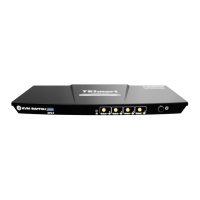
Describes the front panel's buttons, LEDs, and power switch.
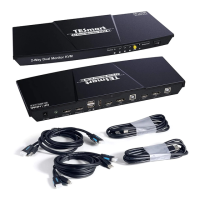
Details all rear panel ports including power, video, USB, and audio.
Illustrates the physical connections for the KVM switch.
Advises on preparing the workspace and cables for connection.
Provides a step-by-step guide for connecting devices to the KVM.
Shows a visual representation of a fully connected KVM setup.
Guides through the OSD menu for settings like hotkeys, auto scan, and beep.
Covers fast switching, input labeling, auto scan, and mouse wheel control.
Explains how to lock the KVM, set timeouts, and manage PINs.
Explains how to switch inputs using the front panel select button.
Details the functions of buttons on the IR remote control.
Lists keyboard shortcuts for switching and settings.
Explains the benefits and purpose of pass through mode.
Lists tested keyboard and mouse models for compatibility.

 To Next Page
 General