Need help?
Do you have a question about the TESmart HKS0402A1U-R and is the answer not in the manual?
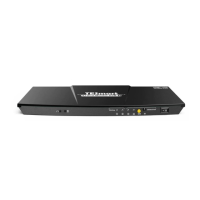
Port for connecting the DC 12V power supply.
Analog audio output port for connecting speakers.
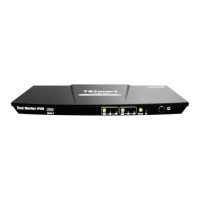
Ports for connecting to HDMI displays.
Port for connecting keyboard and mouse.
Port for connecting USB 2.0 devices like printers or scanners.
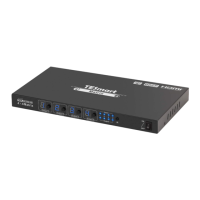
HDMI and USB ports for connecting computers.
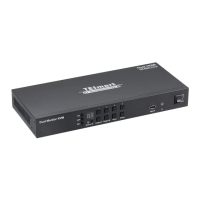
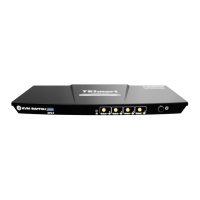
LEDs for USB connection status, input selection, and buttons for switching/IR receiver.
Details on how the KVM displays content for PC1 and PC2 using LED indicators.
Details on how the KVM displays content for a single PC using LED indicators.
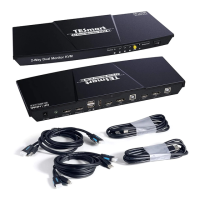
Step-by-step instructions for connecting the KVM with PCs, monitors, and peripherals.
Instructions on how to use the KVM after connection, including control methods.
Method to check if the KVM is in keyboard/mouse pass-through or emulation mode.
Instructions on how to switch the control hotkey from Scroll Lock to Right-Ctrl and vice versa.
 General
| Resolution Support | Up to 4K@60Hz |
|---|---|
| HDCP Support | HDCP 2.2 |
| Product Type | HDMI KVM Switch |
| Number of Consoles | 1 |
| USB | USB 2.0 |
| Bandwidth | 18 Gbps |
| Input Ports | 4 HDMI |
| Output Ports | 2 HDMI |
| Control Method | IR Remote |
| Number of Ports | 4 input, 2 output |

 To Next Page