8 Using the product
12
8.1.2 Measuring mode
testo 550i automatically detects the pressure difference between the low-
pressure and high-pressure sides. If the measured pressure on the low pressure
side is 1 bar higher than on the high pressure side, a dialogue appears and the
display can be changed accordingly. If “yes” is selected, the low pressure moves
from left to right and the high pressure moves from right to left. This mode is
especially suitable for air conditioners that cool and heat.
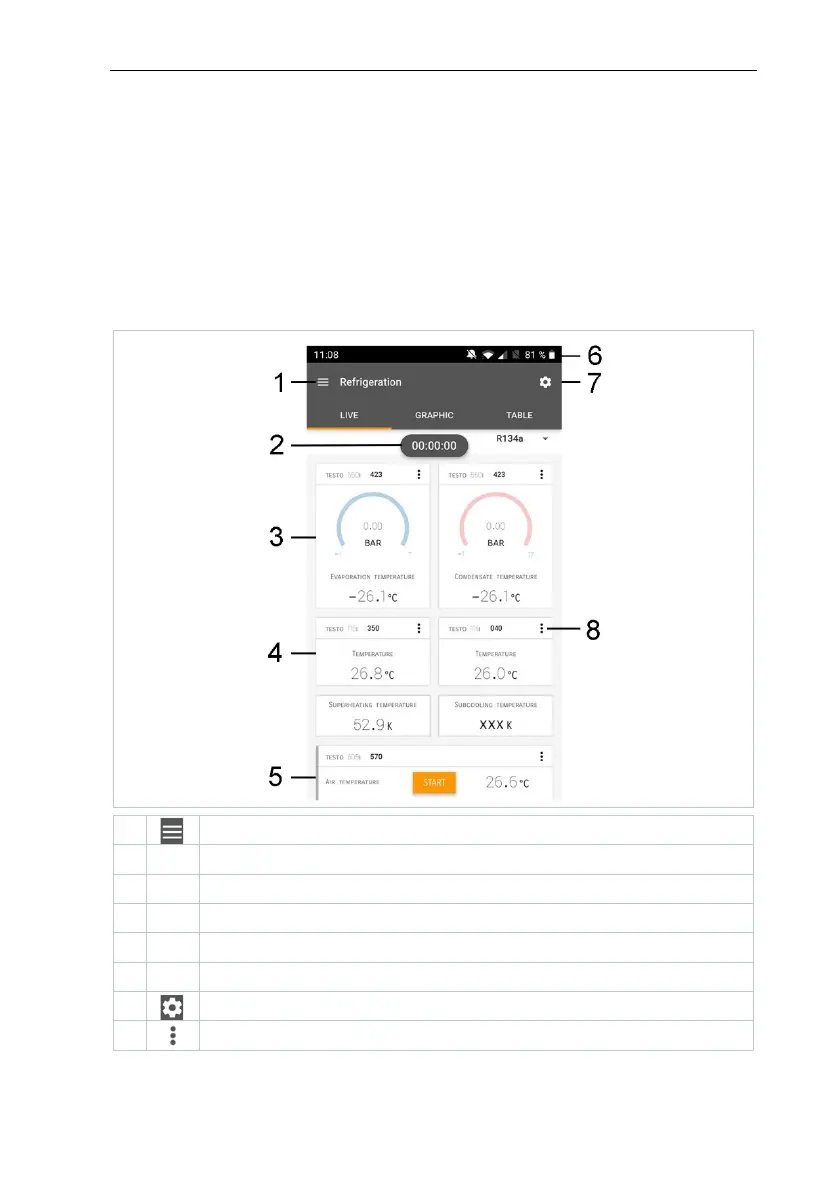
8.2 App – Bedienoberfläche
Display of the measurement period
Display of calculated measurement results
Can be controlled with different function keys
Instrument status bar



 To Next Page