8 Using the product
27
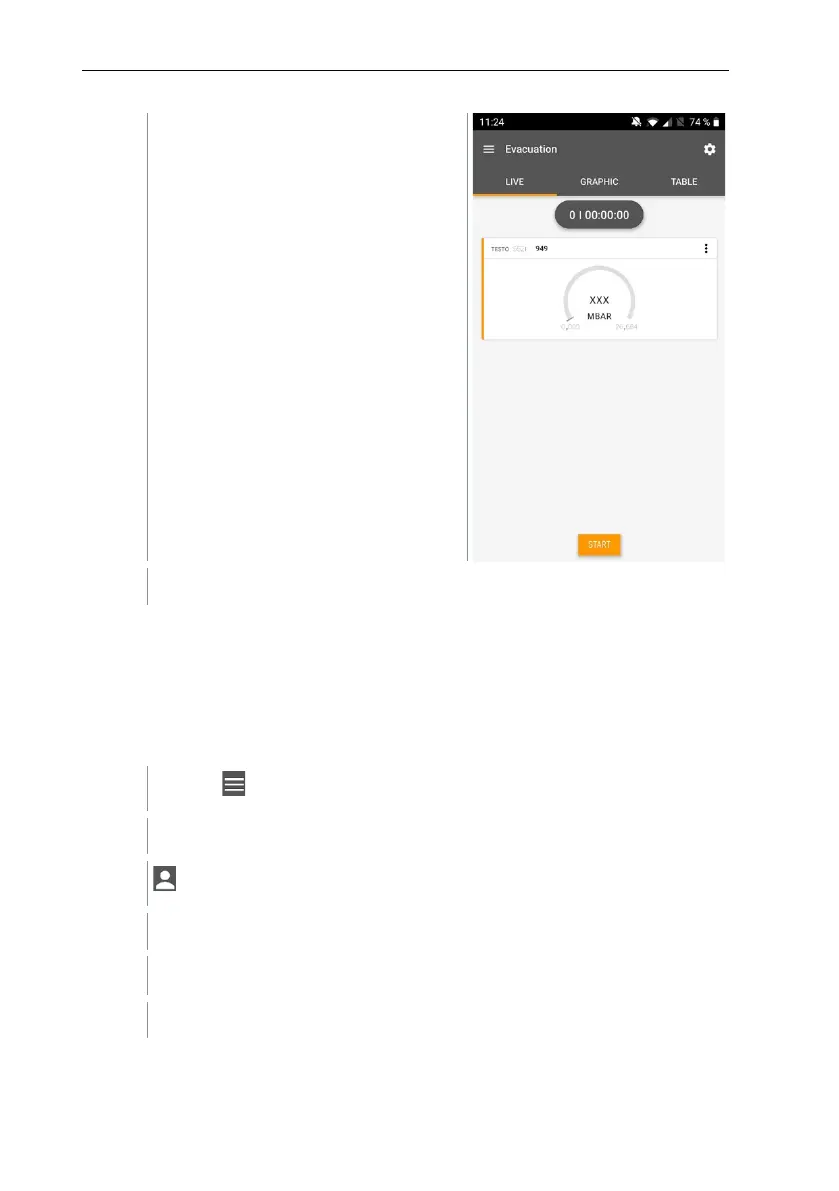
Values currently being measured are
displayed.
Measured values can be saved or a new measurement can be started.
8.5 Customer
In the Customer menu, all customer and measuring site information can be
created, edited and deleted. Fields marked with * are mandatory. Without any
information in this field, no customers or measuring sites can be stored.
8.5.1 Creating and editing a customer
Click on .
Main menu opens
Click on Customer.
The Customer menu opens.
A new customer can be created.



 To Next Page