8 Using the product
25
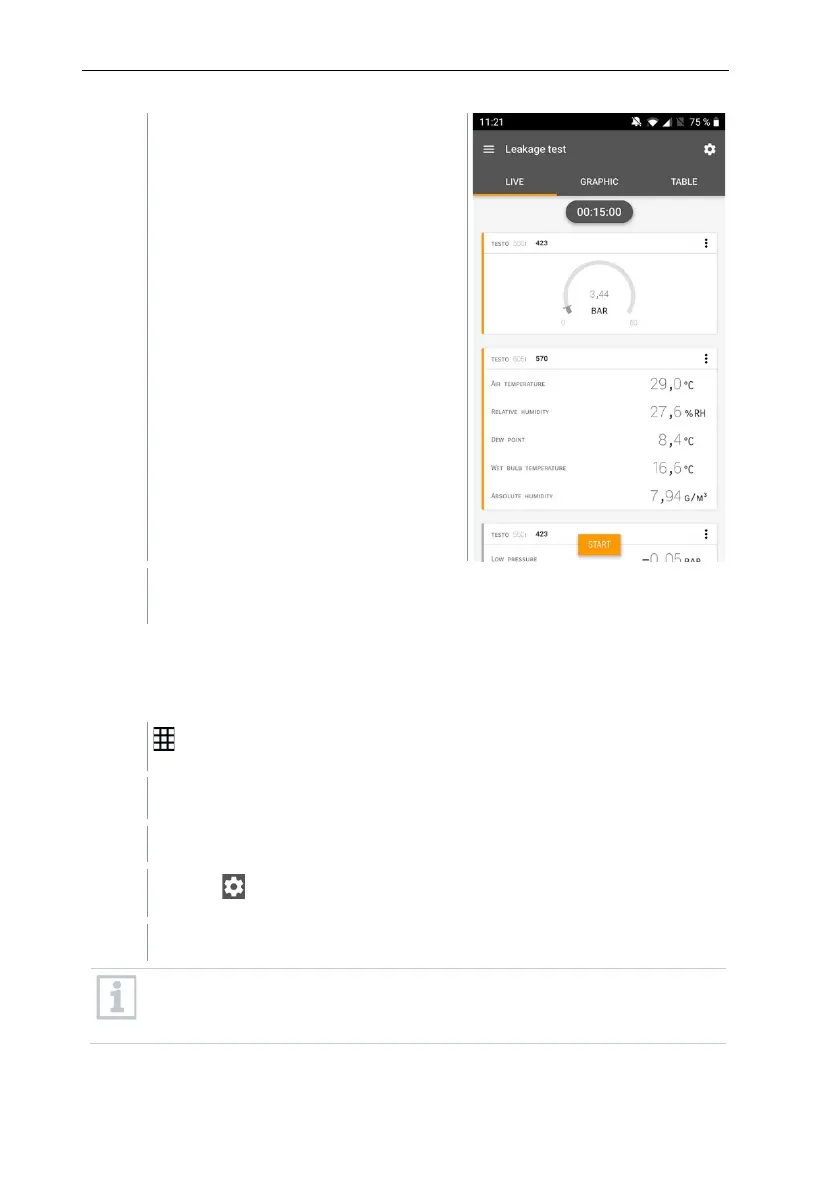
Values currently being measured are
displayed.
Measured values are saved. The values can be exported or a report
can be created.
8.4.5 Evacuation
With the Evacuation application, foreign gases and moisture can be removed
from the refrigeration circuit.
Click on Measure.
The Evacuation measurement menu opens.
Click on .
Configuration menu opens.
To have an accurate reading in microns, the testo 552i Smart Probe is
recommended for this measurement. Please connect the smart probe
to the app.



 To Next Page