7 First steps
11
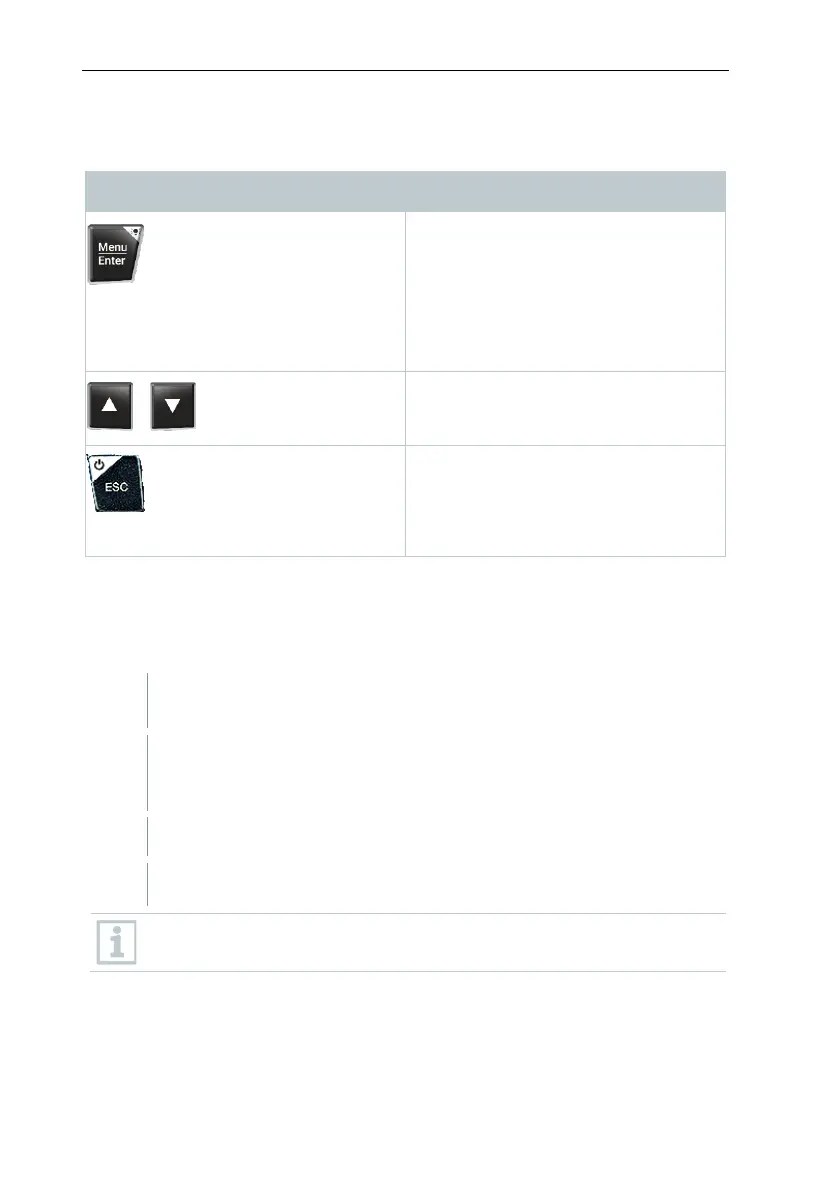
6.4 Control keys
Confirm input
Switch on the display illumination:
Press and hold the key for >2s
Switch off the display illumination:
Press and hold the key for >2s
Change/navigate the display screen.
• Switches to the measurement view
•
Back to the menu
Switch off the instrument: Press and
hold the key for >2s
7 First steps
7.1 Inserting (rechargeable) batteries
Unfold the suspension hook and open the battery compartment (clip
lock).
Insert the batteries (scope of delivery) or rechargeable batteries (4 x
1.5V, type AA / Mignon / LR6) into the battery compartment. Observe
Close the battery compartment.
After insertion of the batteries, the instrument switches on
automatically and goes into the settings menu.
When not in use for a long period: Take out the (rechargeable)
batteries.



 To Next Page