8 Using the product
36
8.3.3.3 Manual probe selection
If this menu is activated, it appears before a measurement.
The Bluetooth
®
menu is activated (in the On/Off switch icon, is
displayed.
Press [▼] to select Manual probe selection.
Enable function: Via [Menu/Enter], set the switch to [ON].
An info window with the available probes appears before each
measurement to be carried out. The information must be
confirmed by pressing [Menu/Enter]/[Okay].
Disable function: Via [Menu/Enter], set the switch to [OFF].
If the advanced Bluetooth
®
settings are switched off, the
instrument automatically connects to the first compatible Smart
Probe.
Press [▼] to click on the [Completed] button and press [Menu/Enter]
to confirm.
In the Bluetooth
®
menu, you will obtain further information.
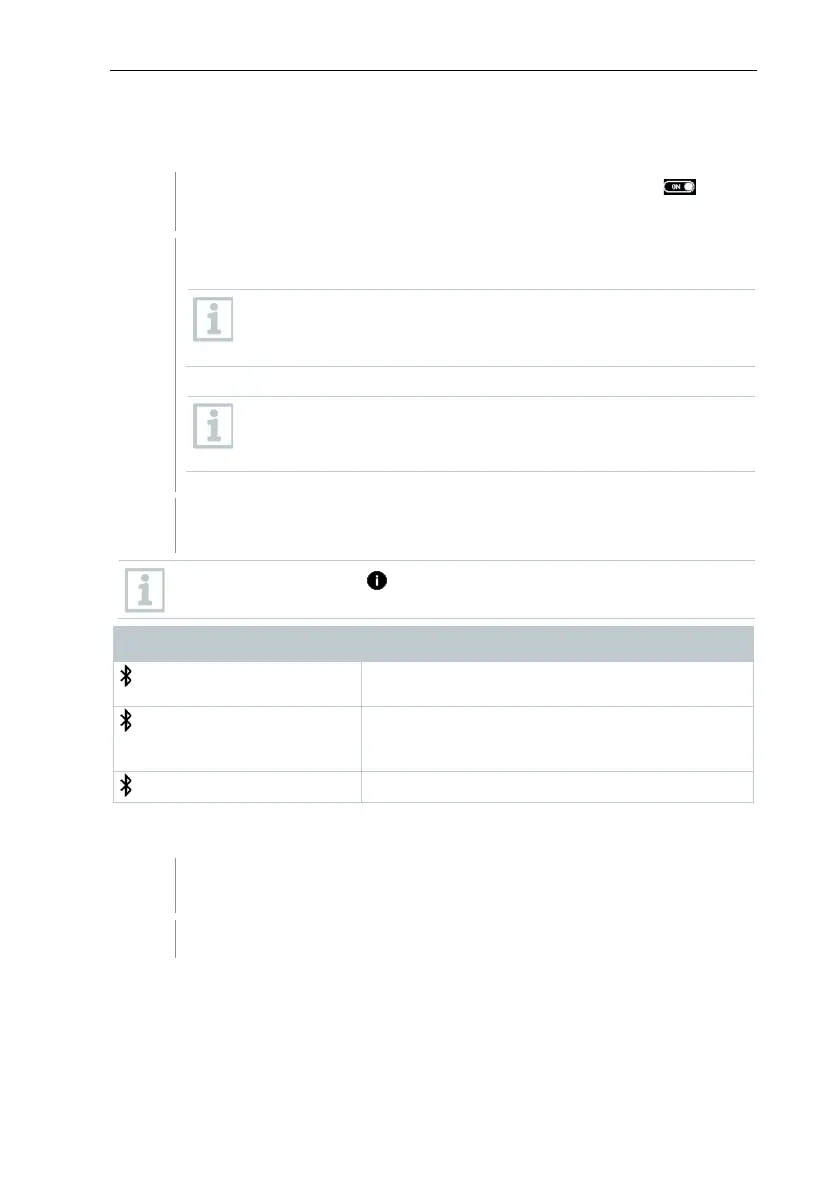
Display Explanation
flashes
®
connection, or a
potential connection is being searched for.
is permanently displayed
There is a Bluetooth
®
connection, the number
of connected Bluetooth
®
probes is displayed
8.4 Settings
The instrument is switched on and the measurement menu is
displayed.



 To Next Page