8 Using the product
35
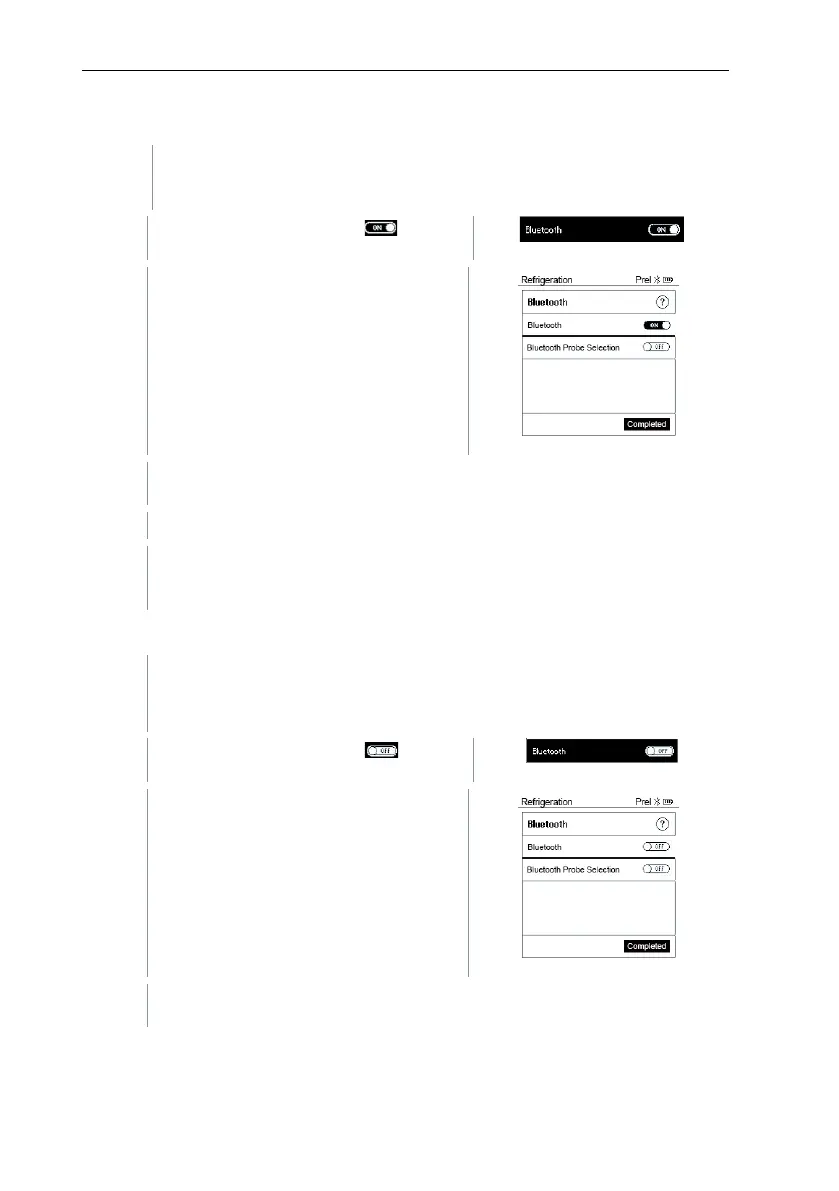
8.3.3.1 Switching on
The Bluetooth menu is selected.
In the On/Off switch icon, is
Enable Bluetooth®: Press
to
activate the [Completed] button and
press [Menu/Enter] to confirm.
When the Bluetooth
®
icon is shown on the display, Bluetooth is
switched on.
®
automatically searches for and connects available probes.
After opening the App, the instrument is automatically connected if it is
within range. The instrument does not have to be connected to the
smartphone/tablet via settings beforehand.
8.3.3.2 Switching off
The Bluetooth
®
menu is activated.
In the On/Off switch icon, is
Disable Bluetooth®: Press [▼] to
activate the [Competed] button and
press [Menu/Enter] to confirm.
When the Bluetooth
®
icon is not shown on the display, Bluetooth
®
is
switched off.



 To Next Page