8 Using the product
39
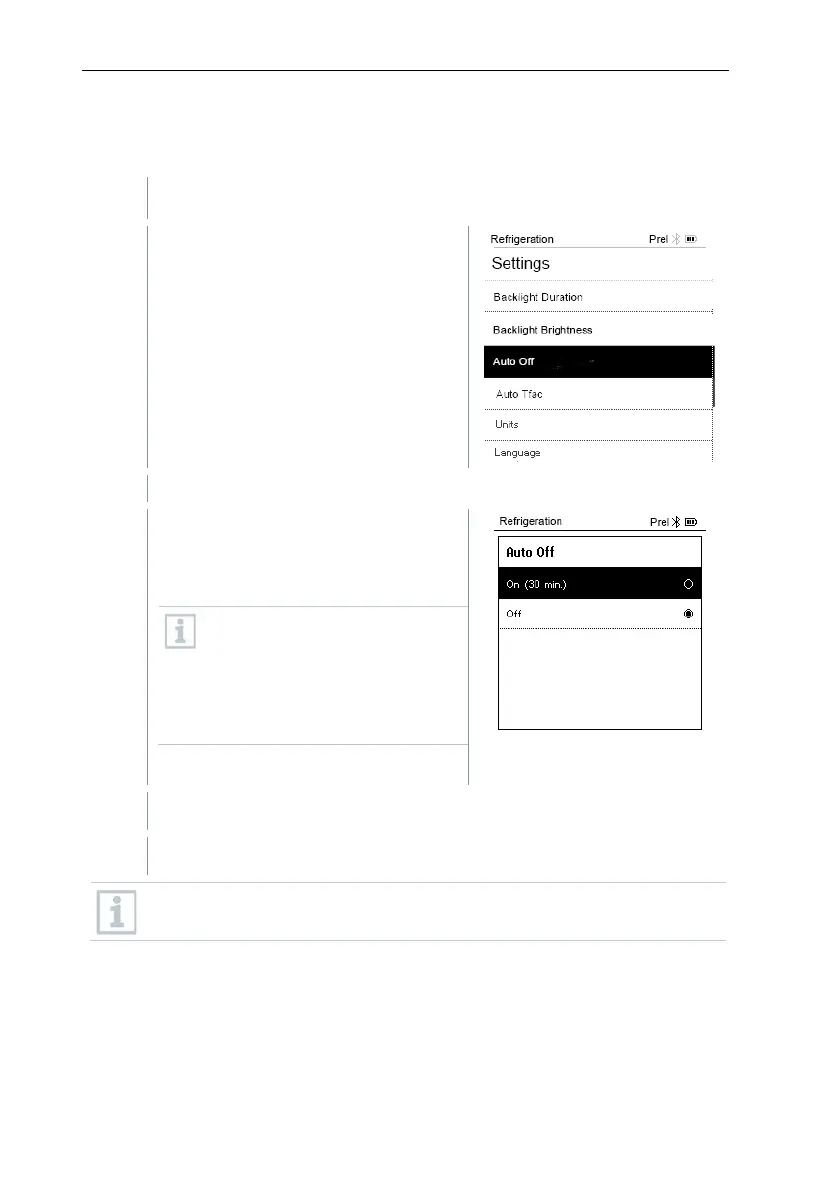
8.4.3 Auto Off
You can manage the energy consumption for your instrument yourself.
The Settings menu is activated.
Press [▲] / [▼] to select [Auto OFF]
and press [Menu/Enter] to confirm.
Menu properties are displayed.
Select using
• On: The instrument automatically
switches off after 30 minutes of
inactivity.
The instrument switches off
automatically if no pressure is
measured and no key was
pressed within 10 minutes. As
long as pressure is present, the
instrument remains on.
• Off: Continuous operation
Press [Menu/Enter] to confirm selection.
Press [ESC]: 1x main menu view, 2 x measurement menu view
Unsaved readings are lost when the measuring instrument is switched
off.



 To Next Page