8 Using the product
31
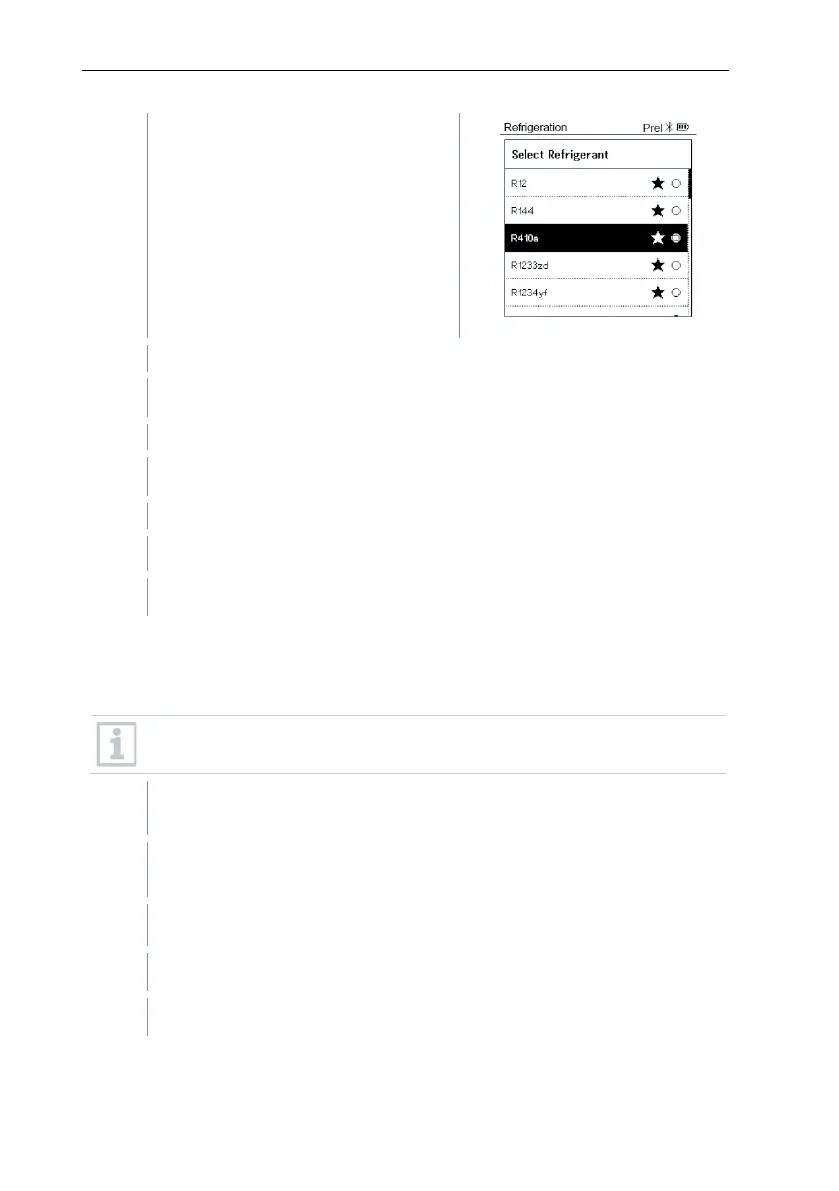
Setting the refrigerant: Press [▲] or
[▼] to select the refrigerant and
press [Menu/Enter] to confirm.
The newly set refrigerant is displayed in the refrigerant list.
Press the [▲] (P=O) key for 2 seconds to carry out zeroing.
Pressurize the measuring instrument.
The measurement starts automatically.
The measurement result is displayed.
Press [Menu/Enter] to return to the main menu.
8.2.6 Delta T
Temperature 1 and temperature 2 are measured. The difference is shown on
the display as the delta temperature.
Two testo 115i
(clamp thermometers) or fixed cable probes are used to
carry out the measurement.
The instrument is switched on and the measurement menu is
displayed.
The steps described in the Preparing for measurement section have
been followed/carried out.
testo 115i is switched on.
Place the testo 115i at the measuring points.



 To Next Page