8 Using the product
30
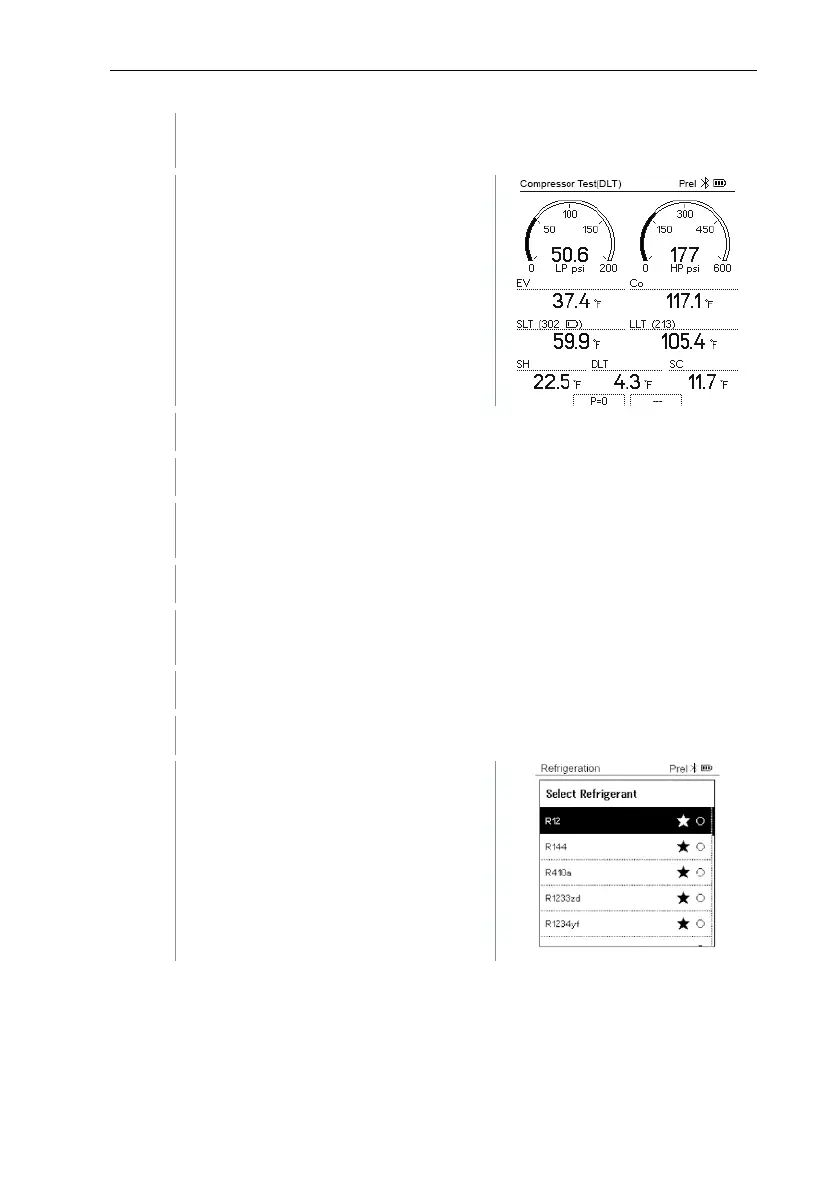
Press [▲] / [▼] to select Compressor Test (DLT) and press
[Menu/Enter] to confirm.
displayed.
The DLT temperature is shown on the
display.
Connect the refrigerant hoses.
Close the valve positioners.
Connect the refrigerant hoses for low-pressure side (blue) and high-
pressure side (red) to the measuring instrument.
Connect the refrigerant hoses to the system.
Connect 2 x testo 115i or 2 x fixed cable probes and third
temperature probe to the compressor outlet.
Press the key [▼] (Rxx) (refrigerant number according to ISO 817).
The refrigerant menu opens and the
current refrigerant is highlighted.



 To Next Page