8 Using the product
20
Press [▲] / [▼] to select Evacuation and press [Menu/Enter] to
confirm.
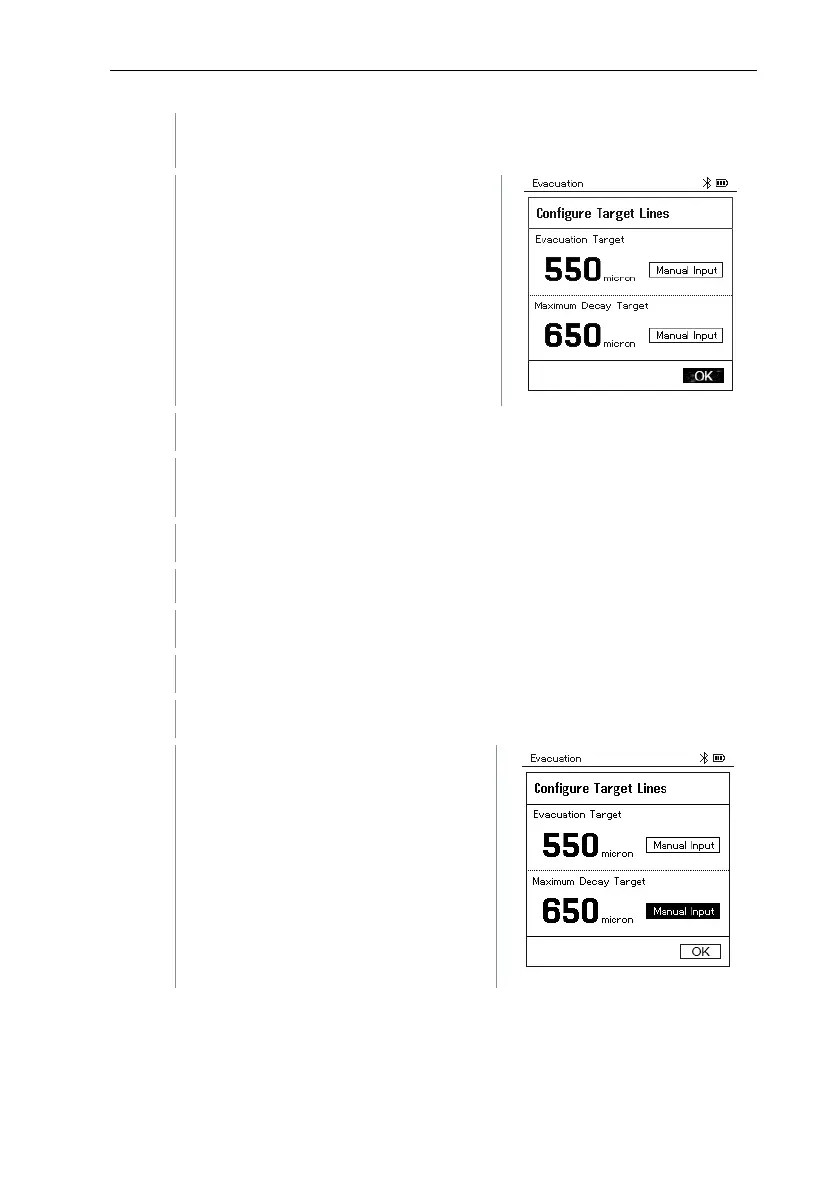
The Configure Target Lines menu is
displayed.
Adjust the Target Line value
Press the [▲] key and in the Evacuation Target field, select Manual
Input.
Press [Menu/Enter] to confirm.
The field is activated.
Press [▲] / [▼] to set the value.
Press [Menu/Enter] to confirm.
Adjust the Maximum Decay Target value.
Press the [▼] key and in the
Maximum Decay Target field, select
Manual Input.



 To Next Page