8 Using the product
24
For the temperature-compensated leak test, a connection is
established with available Bluetooth
®
probes. If cable probes are
connected to the instrument, they are prioritized for the compensation.
Please note that only air probes are ideal for temperature-
compensated leakage testing.
testo 905i / testo 605i is switched on and automatically connected.
Other temperature probes compatible with testo 550s / testo 557s
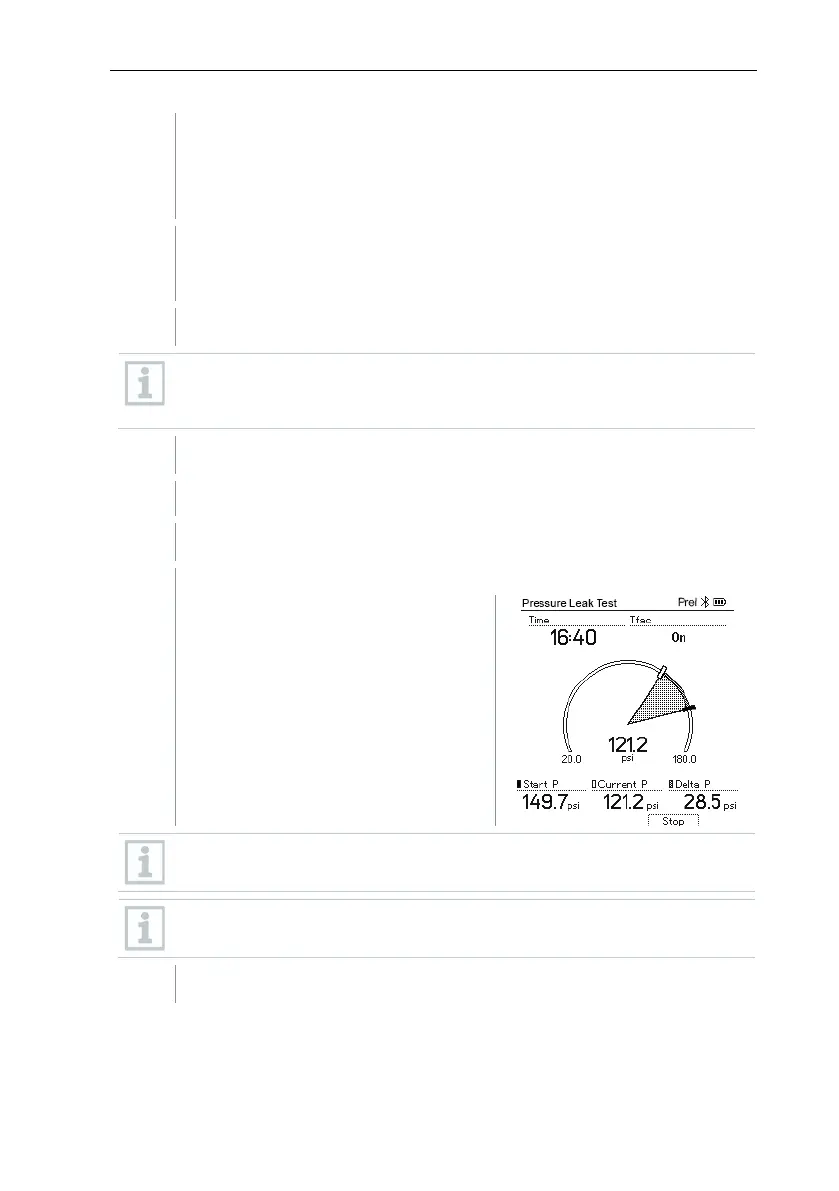
The Pressure Leak Test menu is displayed.
T Comp is shown on the display if a compatible probe is connected via
Bluetooth
®
or cable. The temperature compensation is used for the
measurement result.
Press the [▼] (Start) key.
The leakage test is carried out.
Press the [▼] (Stop) key.
The leakage test is terminated.
The measurement result is
displayed.
Press the [▲] New key to reset the determined values. If necessary, a
test can also be started again.
The measurement result can be displayed graphically on the manifold
as well as in the app.
Press [Menu/Enter] to return to the main menu.



 To Next Page