9 Smart App
60
Click on + New Measuring Point.
A new measuring site can be created.
Store all relevant measuring site information.
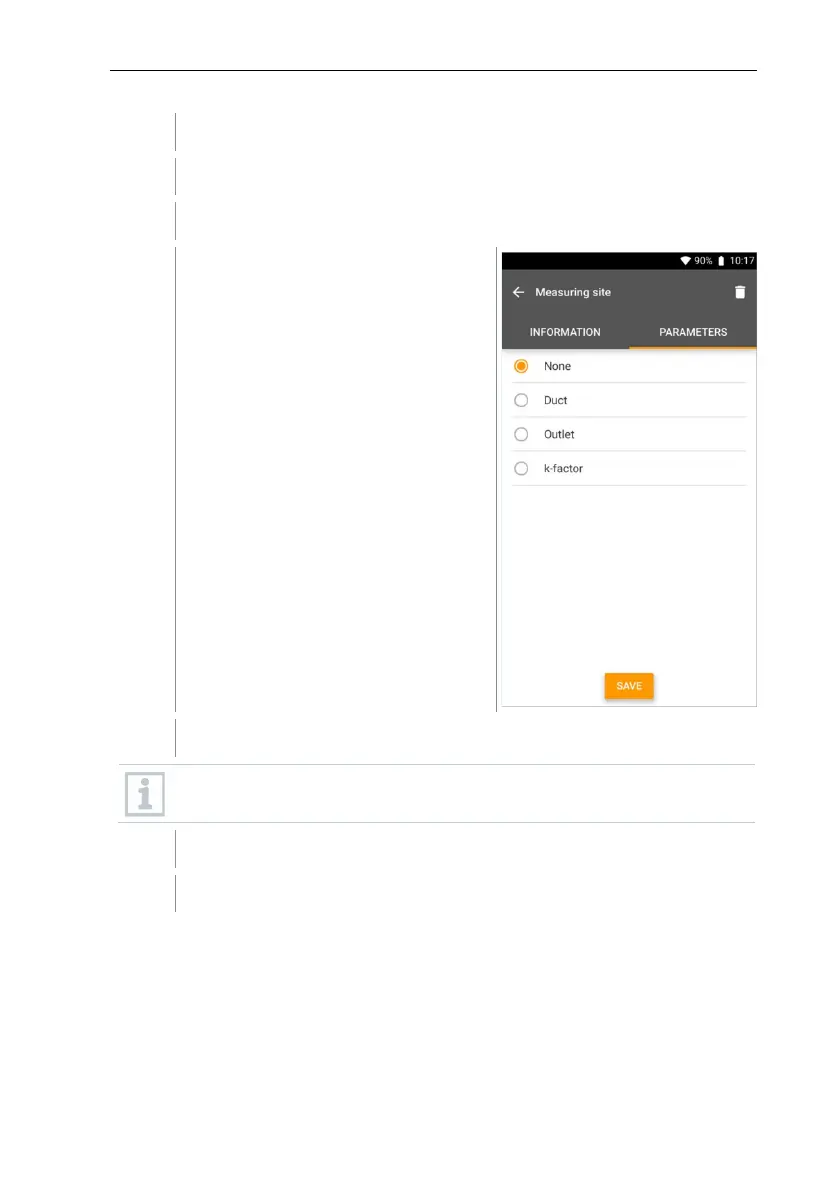
Click on right tab Parameters.
Select further parameters.
For the duct, outlet or duct with k-factor measuring sites, further
parameter settings can be implemented.
The new measuring site has been saved.



 To Next Page