6 Using the product
24
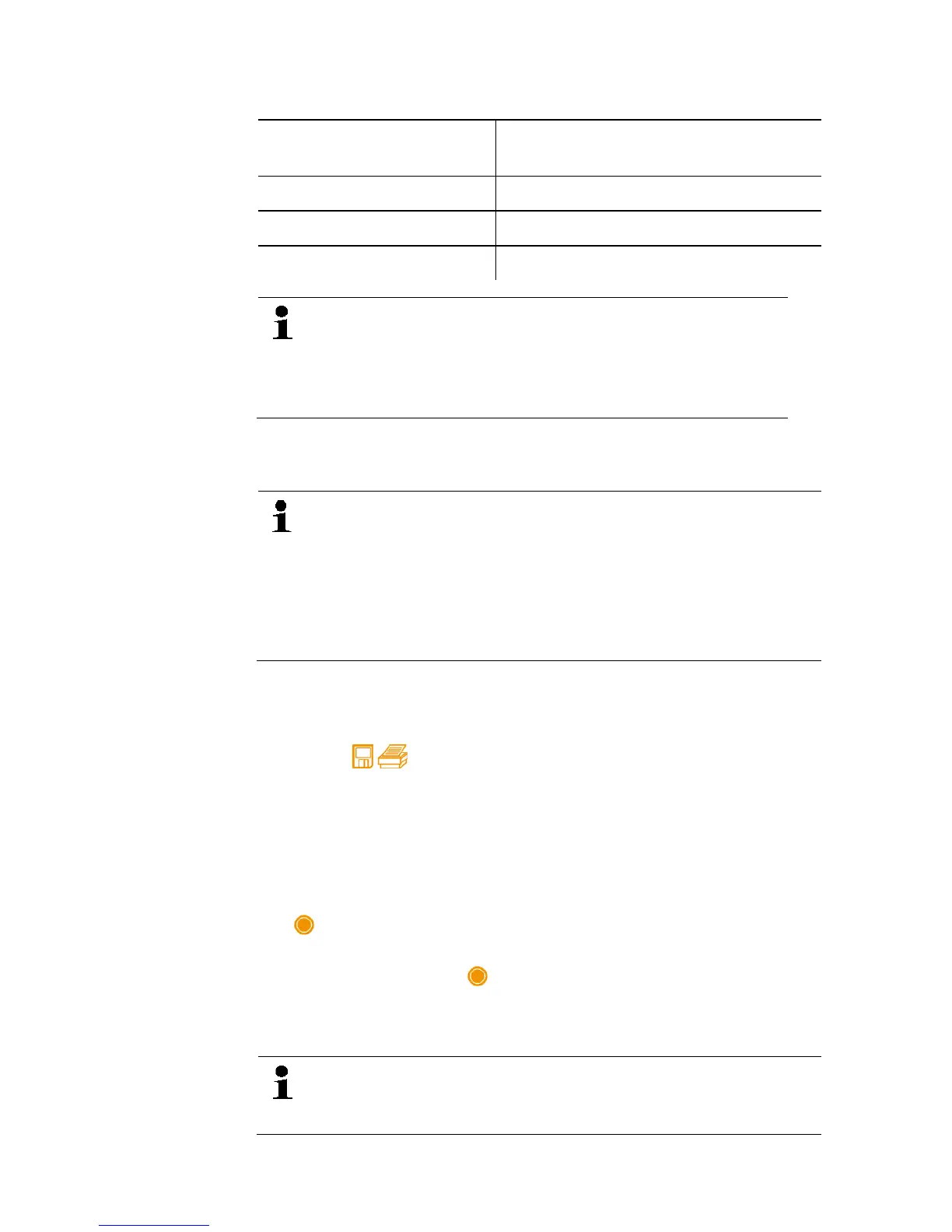
Measurement period
(hhh:mm)
Minimum possible measuring cycle
000:00…099:59 2 seconds
100:00…240:59 10 seconds
241:00…999:59 30 seconds
If the selected measurement duration is not a multiple of
the set measuring cycle, it is reduced to the next
possible measurement duration. In this case, the
instrument displays the automatically adjusted
measurement duration at the start of the measurement.
Measurements can be assigned to the individual categories
Customer, Measurement place, Installation and Component and
saved, already in the device.
In the device the following standard categories have been
pre-set: Customer / Measplace / Installation /
Component.
These categories can be changed (e.g. testo / Cellar 1 /
Office building 1 / Compressor) and supplemented via the
testo software Easy Kool, see separate operating
instructions.
Saving a single measurement
✓ The desired measuring mode has been selected.
1. Press [ ].
2. Select Single measurement.
3. Select Save.
4. Select the desired memory location: Press [▲]
and [▼] to set
the desired value and press [◄]
and [►] to toggle between
Customer / Measplace / Installation / Component.
- The set measurement view is displayed. The memory symbol
is displayed.
5. Press [Save].
- The memory symbol flashes and disappears after the
measurement data have been saved.
Saving a serial measurement
Depending on the duration of the serial measurement
electric power supply via power supply unit may be
required.
Shop for Data Logging products online at: www.DataLoggerStore.com 1.877.766.5412



 To Next Page