37
deenfresitptsvnl????
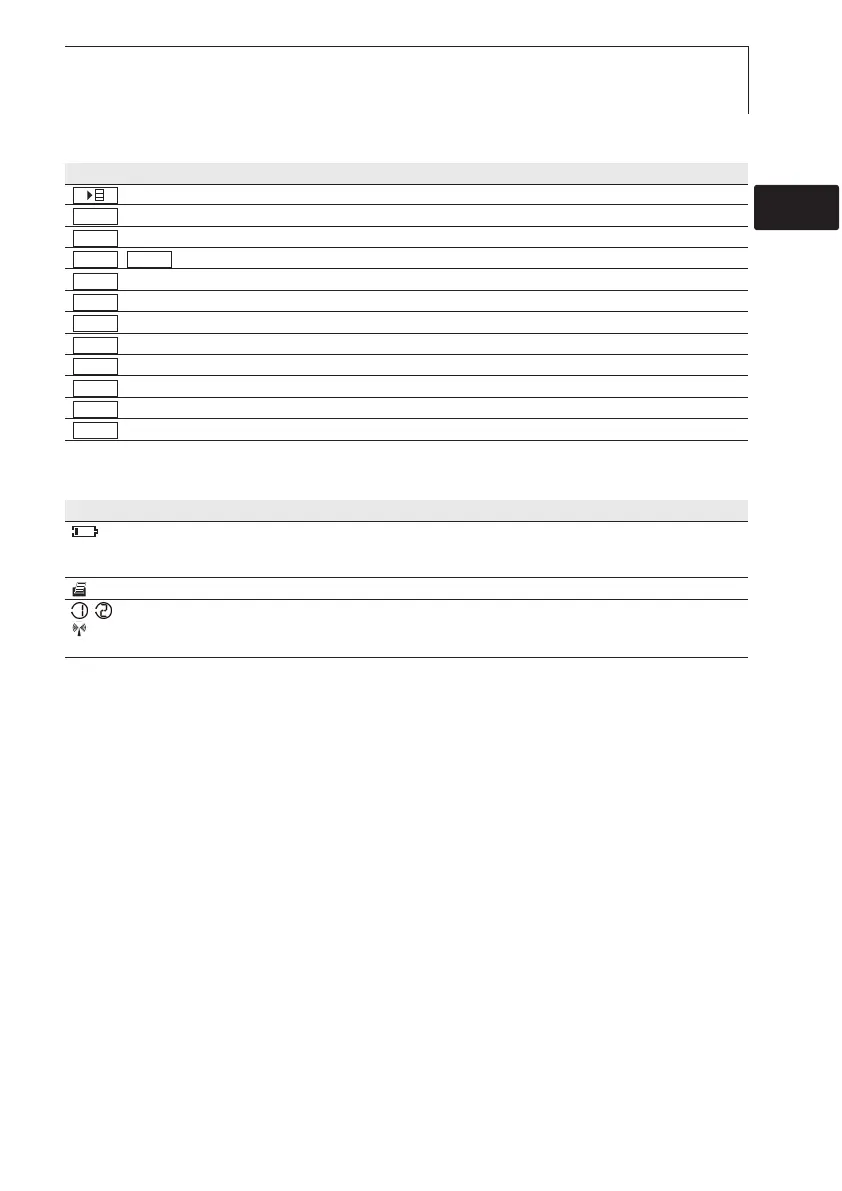
Function buttons (Function dependant on profile and setting)
Button Functions
Open (main) menu
Enter confirmation
Cancel
/ Hold value/display current measurement value
Reset max./min. values to current measurement value
Open menu item “Multi-point mean calculation“
Open menu item “Measuring program“ (635-2only)
Start test series (635-2 only)
End test series (635-2 only), End Cyclical Print (635-1 only)
Save values (635-2 only)
Open menu item “Material”
Open menu item “Radio”
Important displays
Display Meaning
Battery capacity (only for operation by battery/rechargeable battery):
· 4 segments in the battery symbol are lit: Instrument battery is fully charged
· No segments in the battery symbol are lit: Instrument battery is almost spent
(flashing) Print function: Data are sent to the printer
, Measurement channel no.: Channel 1, channel 2.
If a measurement channel is a radio channel, the radio symbol lights up as well as the
measurement channel no.
Radio
Mat
Save
End
Start
Measp
Mean
Reset
ACTHold
ESC
OK
3. Product description



 To Next Page