20
Temperature measurement
Optimum accuracy only applies in the environment of the calibration
point. There may be deviations from the true desired value in other
temperature ranges.
Warning: If a probe is newly adjusted, the factory calibration data
is deleted. You can retrieve the original values via
PROBE - RESET
.
➁ Measurement: Place the function display at the top left on the
Save (= disk symbol) symbol.
Return to the measurement menu by pressing . Switch off
measuring instrument. Plug in the newly calibrated probe to the
instrument on location and switch on. The probe socket is freely
selectable. Select the Location function field via and set
the required location with .
Press the button after every measurement and select the
required location before the next measurement.
A log is set up in the hand-held instrument memory each time the
button is pressed. The log includes the location, date and time,
all additional information, set correction values... and can be printed
under PRINT - C
ONFIGURATION.
➂ Printing all of the measured data following completion of the
measurement series: set the measuring location at top right. Call up
the log in the Main menu under MEMORY - READOUT and print by
pressing
.
Note: The printer to be used when printing must be selected via
the menu PRINT -
PRINTER TYPE
.
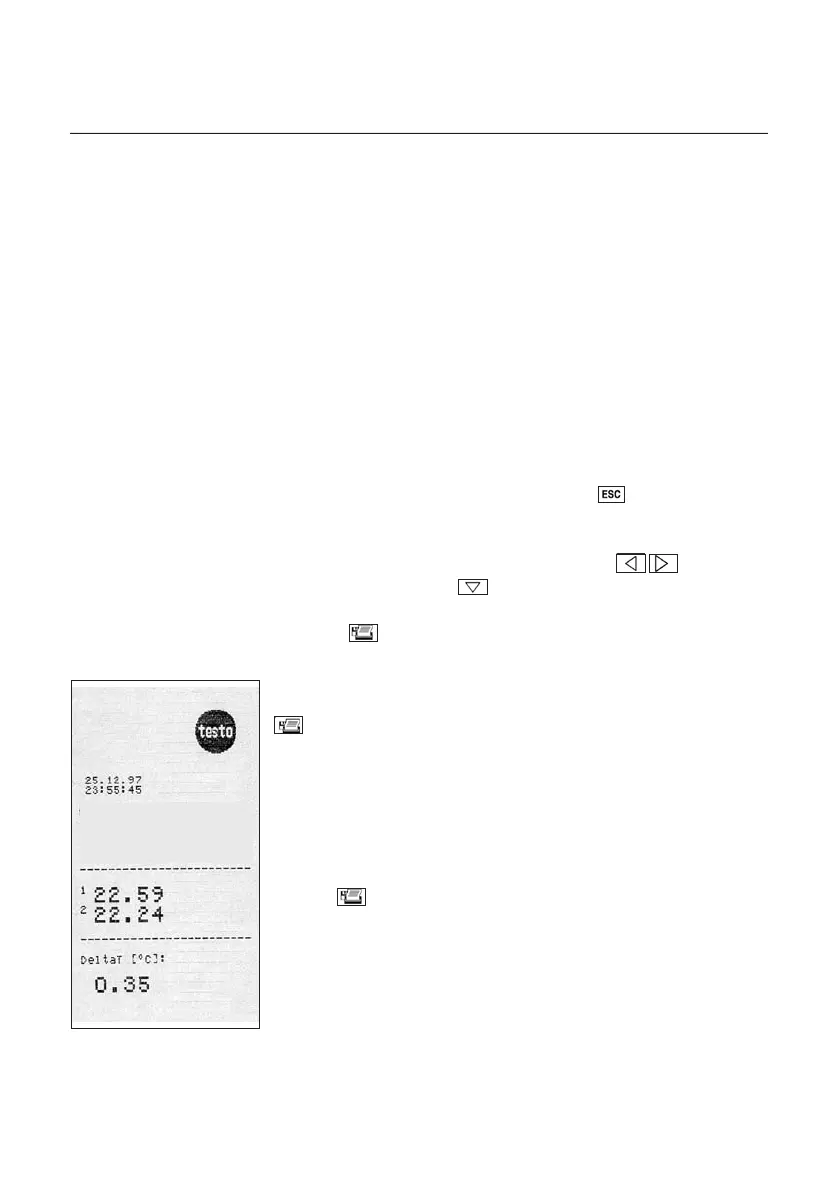
Example:
Log with attachable
printer
Flow -
return



 To Next Page