6 Using the product
40
Isotherm
The isotherm function shows all image points with measurement
values that lie within the set limits in a single colour (isotherm
colour). To set the isotherm colour, see Colour selection, page 47.
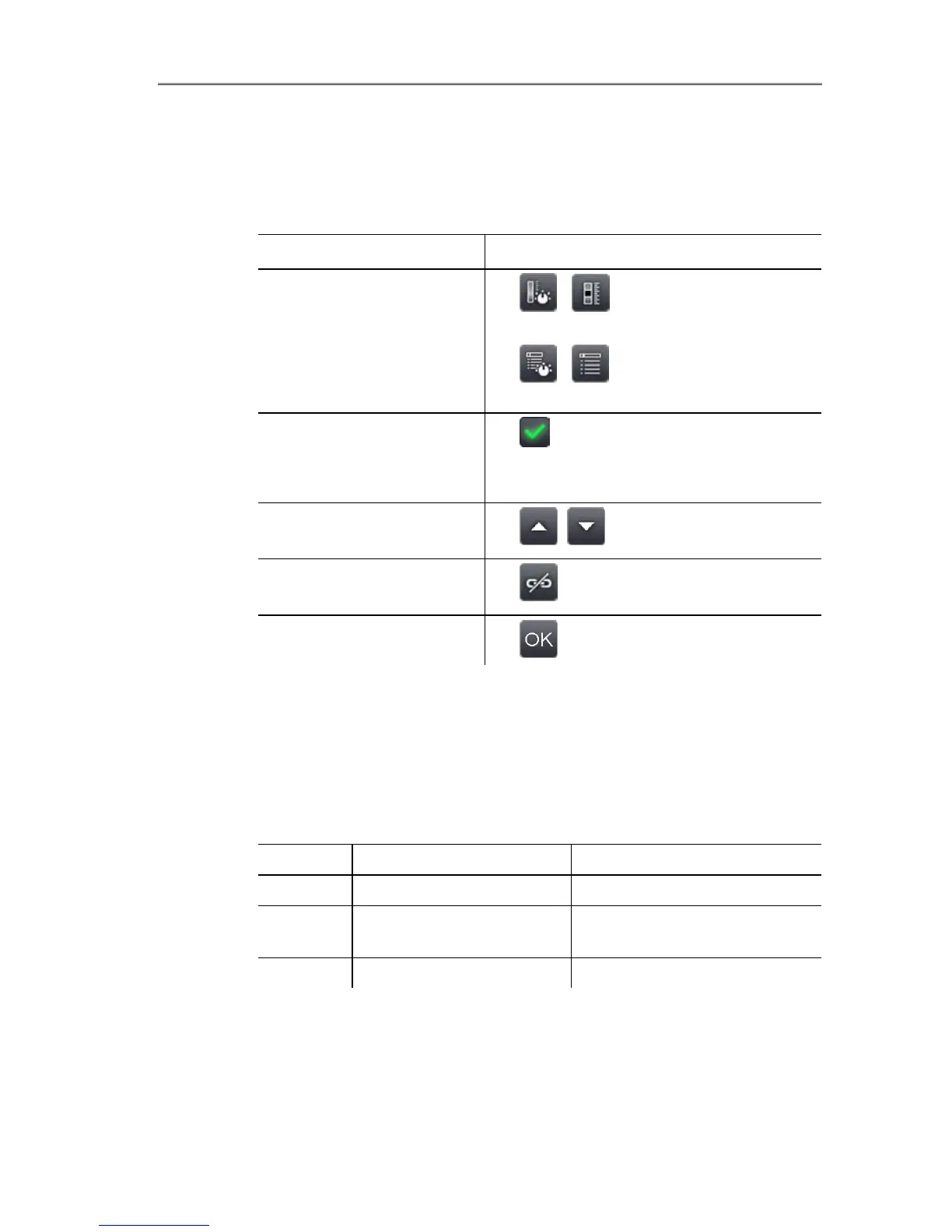
Task Actions/description
Open Isotherm input
screen.
>
| .
or
>
| | Measurement |
Isotherm.
Activate/deactivate
isotherm display.
> Active.
> To deactivate, touch the button
again.
Set lower and upper
isotherm limit.
> , .
Link setting for
upper/lower limits.
> .
Apply entries.
> .
Humidity (only testo 890-2)
The ambient temperature and humidity values entered manually or
measured by the optional radio humidity probe are used to
calculate the relative surface moisture for each pixel. The values
can be shown as a humidity image. The special colour palette
indicates which areas are at risk of mould:
Colour Surface moisture Assessment
green 0…64%RH non-critical
yellow/ora
nge
65 to 80%RH potentially critical
red >80%RH critical



 To Next Page