6 Using the product
41
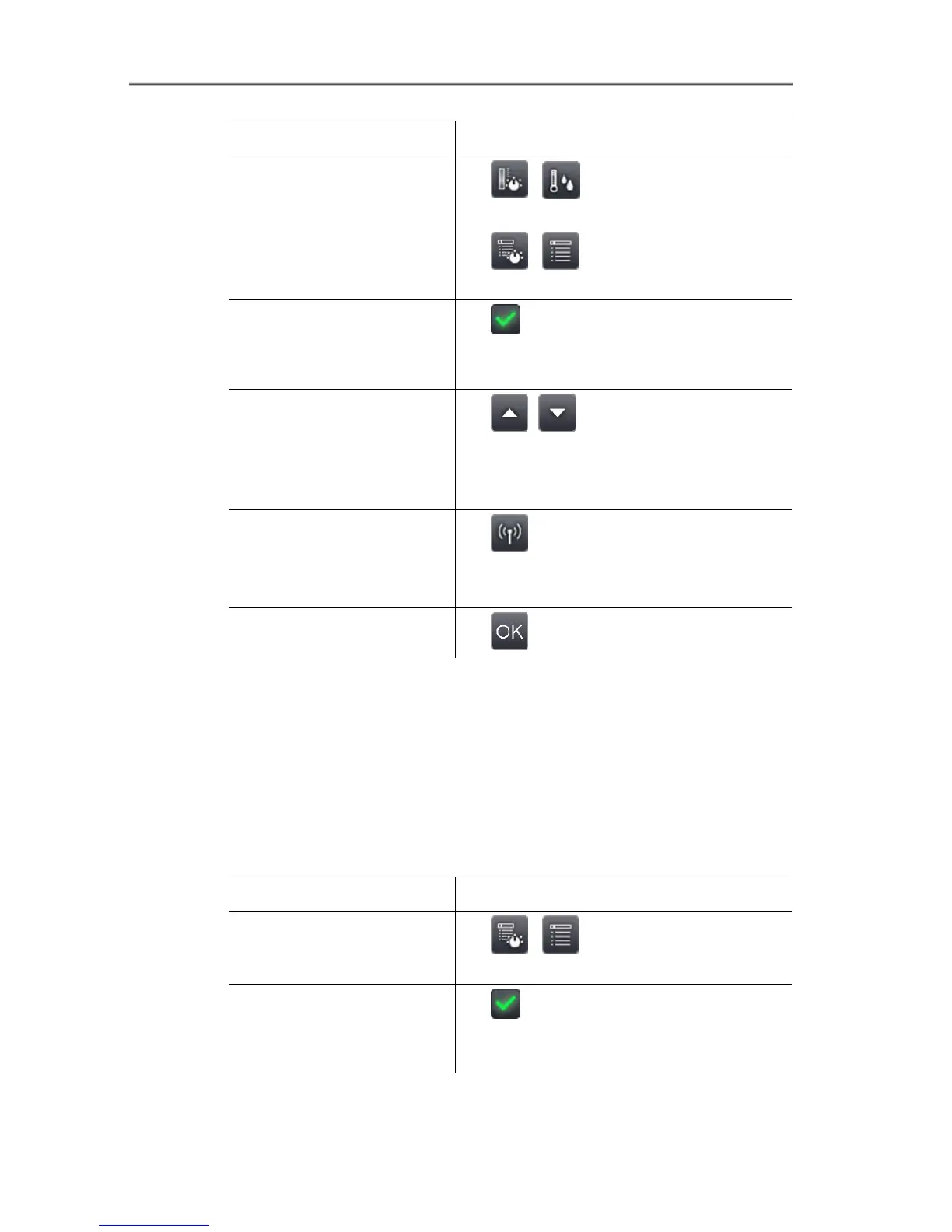
Task Actions/description
Open Humidity input
screen.
>
| .
or
>
| | Measurement |
Humidity.
Activate/deactivate
humidity image display.
> Active.
> To deactivate, touch the button
again.
Set values manually for
ambient temperature
(Ambient temp.) and
ambient humidity
(Humidity):
> , .
Set up radio link to the
optional radio humidity
probe.
> .
Further information is available under
Radio (only testo 890-2), page 60.
Apply entries.
> .
Atmospheric correction
Measurement deviations arising due to high humidity or large
distances to the object to be measured can be corrected.
Correction parameters must be entered for this.
If the imager is connected to an optional radio humidity probe (only
testo 890-2), the ambient temperature and humidity are transferred
automatically. For connection to a radio humidity probe, Further
information is available under Radio (only testo 890-2), page 60..
Task Actions/description
Open Atmospheric
correction input screen.
> | | Measurement |
Atmospheric correction.
Activate atmospheric
correction.
> Active.
> To deactivate, touch the button
again.



 To Next Page