6. Measurement data
37
-
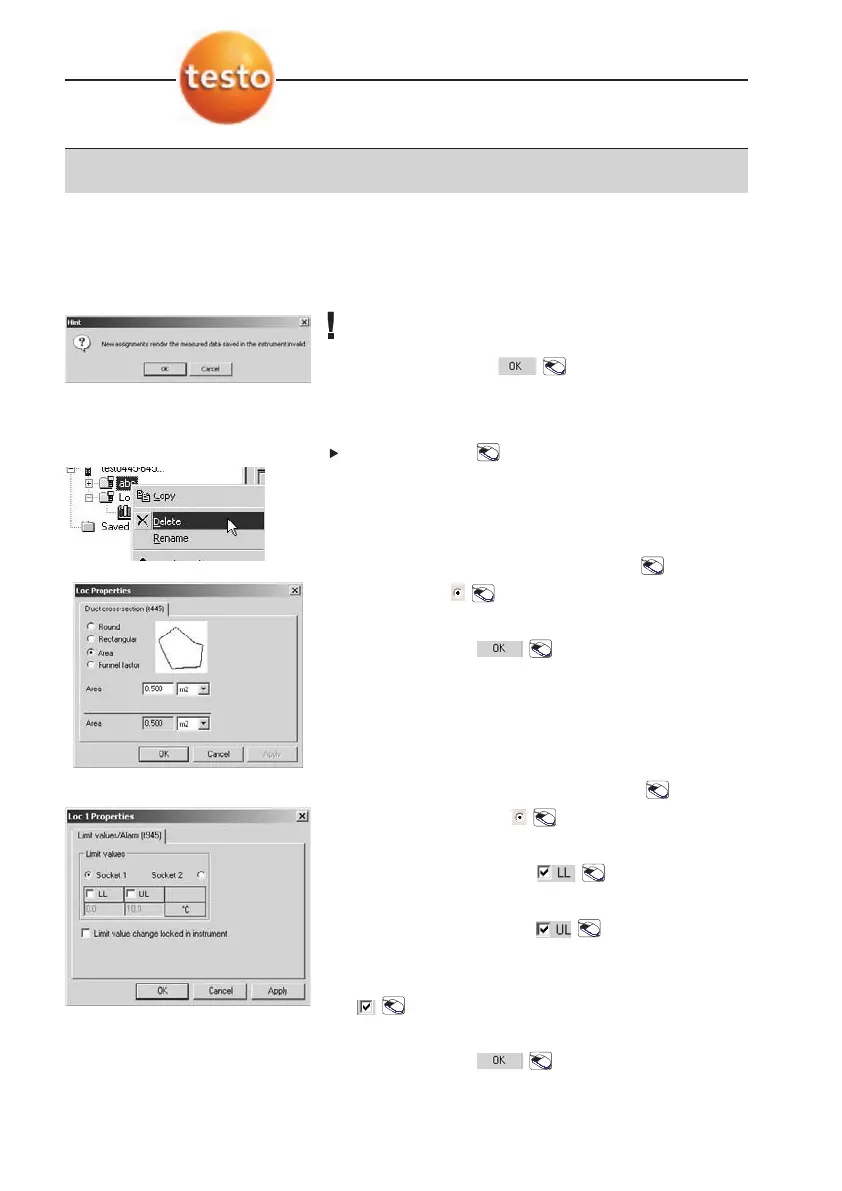
A message appears.
If the note is confirmed, the data stored in the
instrument and in the sites is deleted.
4
Confirm message: .
Deleting sites
Click on:
Delete
to delete site.
-
Site is deleted.
Properties (not testo 945/946)
1
Open
Properties
window:
Properties
.
2
Select form: .
3
Enter size of area.
4
Confirm values: .
Properties (in testo 945 and 946!)
1
Open
Properties
window:
Properties
.
2
Select probe socket: .
Limit values can only be programmed at one socket.
3
Select lower limit value: .
4
Enter values.
5
Select upper limit value: .
6
Enter values.
7
Select
Limit vvalue cc
hange llocked iin iinstrument
:
.
- Limit values can only be changed via PC.
8
Confirm values: .



 To Next Page