6 Commissioning
51
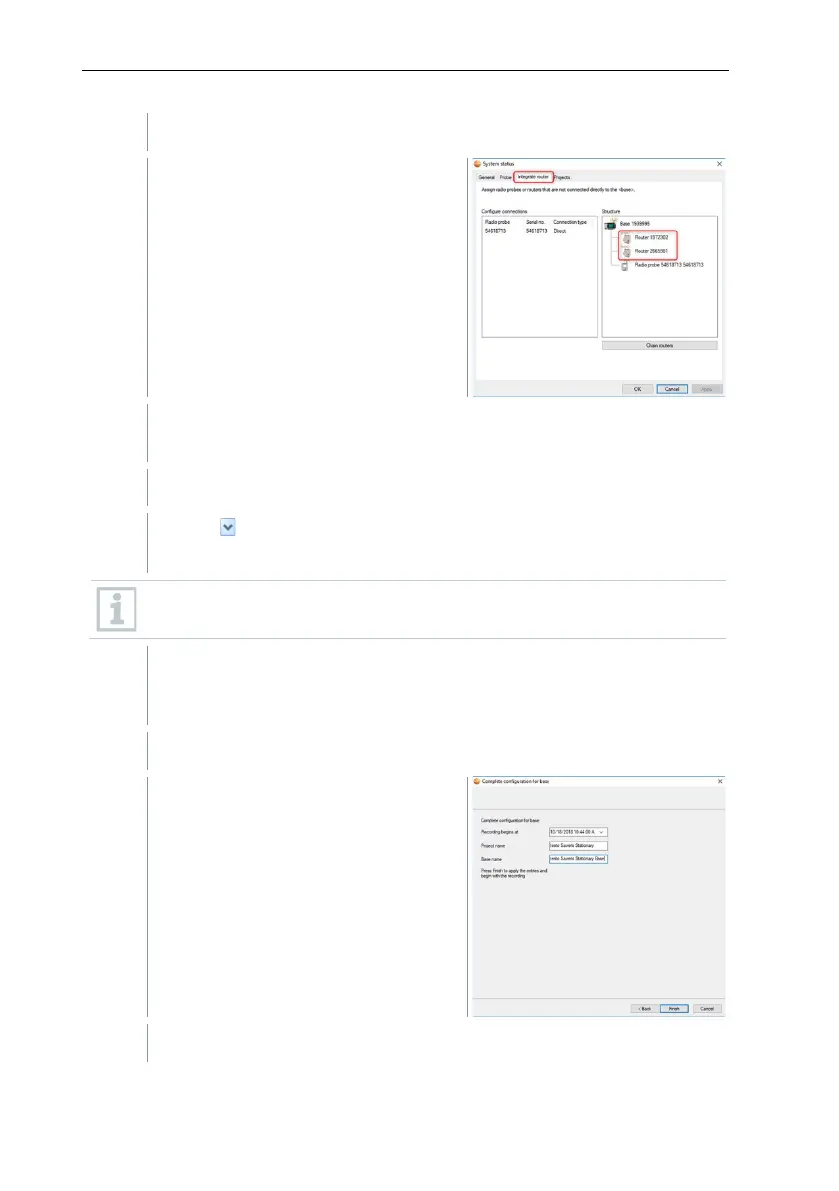
If a Saveris router is registered on the
Saveris base, the configuration of the
connection type for the probes is
shown.
If you have not registered a router,
continue as from step 25.
Click in the Connection type cell of the data logger which needs to be
assigned to a Saveris router.
The cell is shown as a selection list.
Use the button to open the selection list and select the Saveris router
which the data logger needs to be assigned to.
Data loggers which are in a mobile zone cannot be assigned to a
Saveris router.
Perform steps 18 and 19 for all other data loggers with measurement
data that need to be transmitted to the Saveris base via a Saveris
router.
The wizard is displayed with the
setting for the start of measurement
and with the list of newly registered
data loggers.
Postpone start of measurement if necessary.







 To Next Page