SEASIDE
19
EN
LANGUAGE
Info menu
I N F O 2 0 : 3 0
L a n g u a g e E N
Massage menu
I N F O 2 0 : 3 0
L a n g u a g e E N
AUTOCONFIRM:
If no button is pressed for 5 seconds while the Language menu remains active, the current setting AUTOCONFIRMS
and the display reverts to the Info menu.
Display indicating Language
I N F O 2 0 : 3 0
L a n g u a g e E N
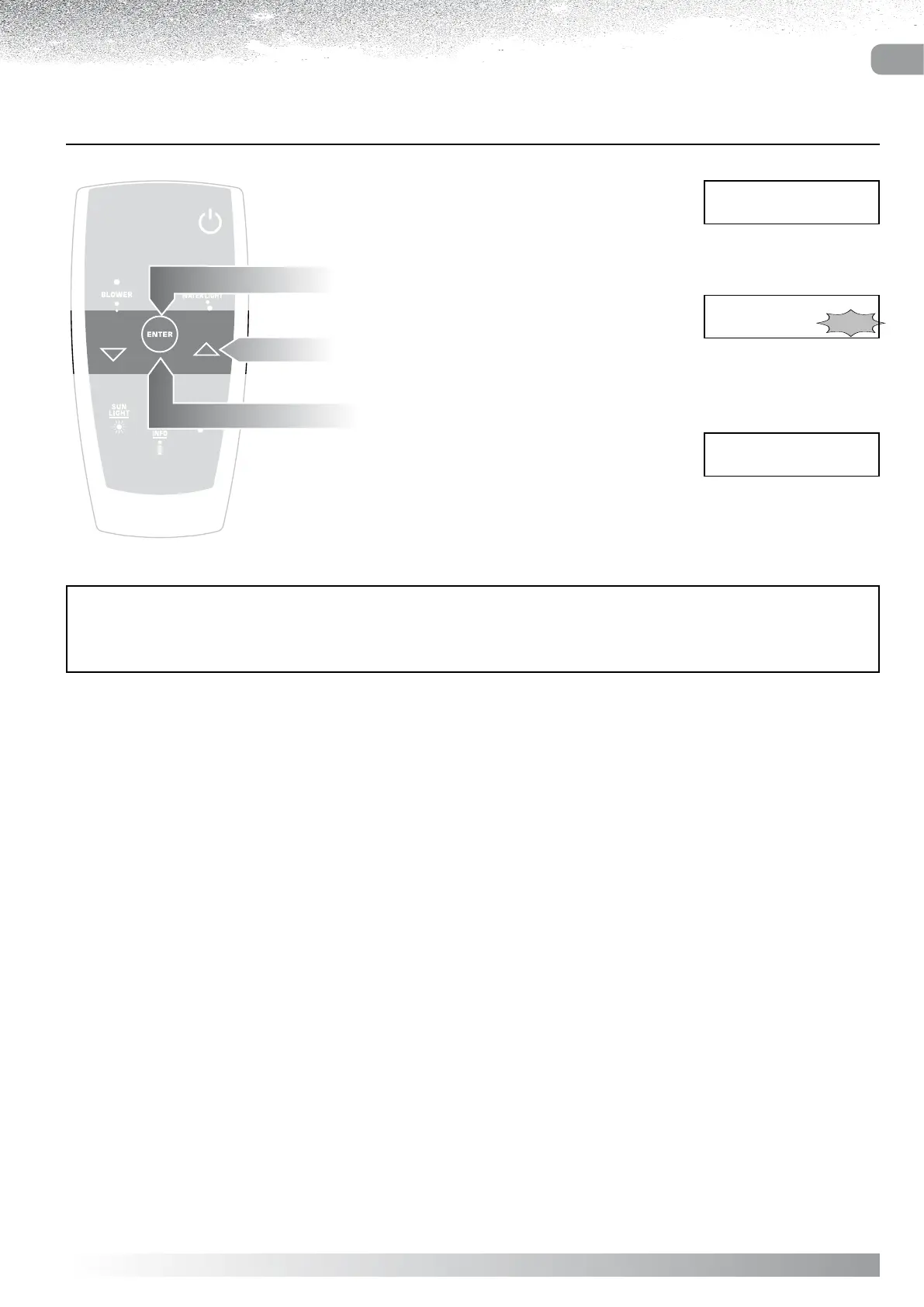
Select LANGUAGE from the Info menu.
Press “ENTER”
the display shows the language currently selected.
Use the “ and ” buttons to change the display language.
Confirm by pressing “ENTER”
the display will revert to the Info menu.



 To Next Page