EasyManua.ls Logo

Teufel Cinebar Ultima - User Manual

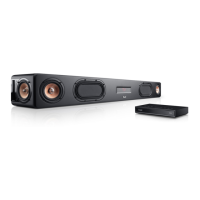
Teufel Cinebar Ultima
40 pages
Print Icon
To Next Page IconTo Next Page
Loading...
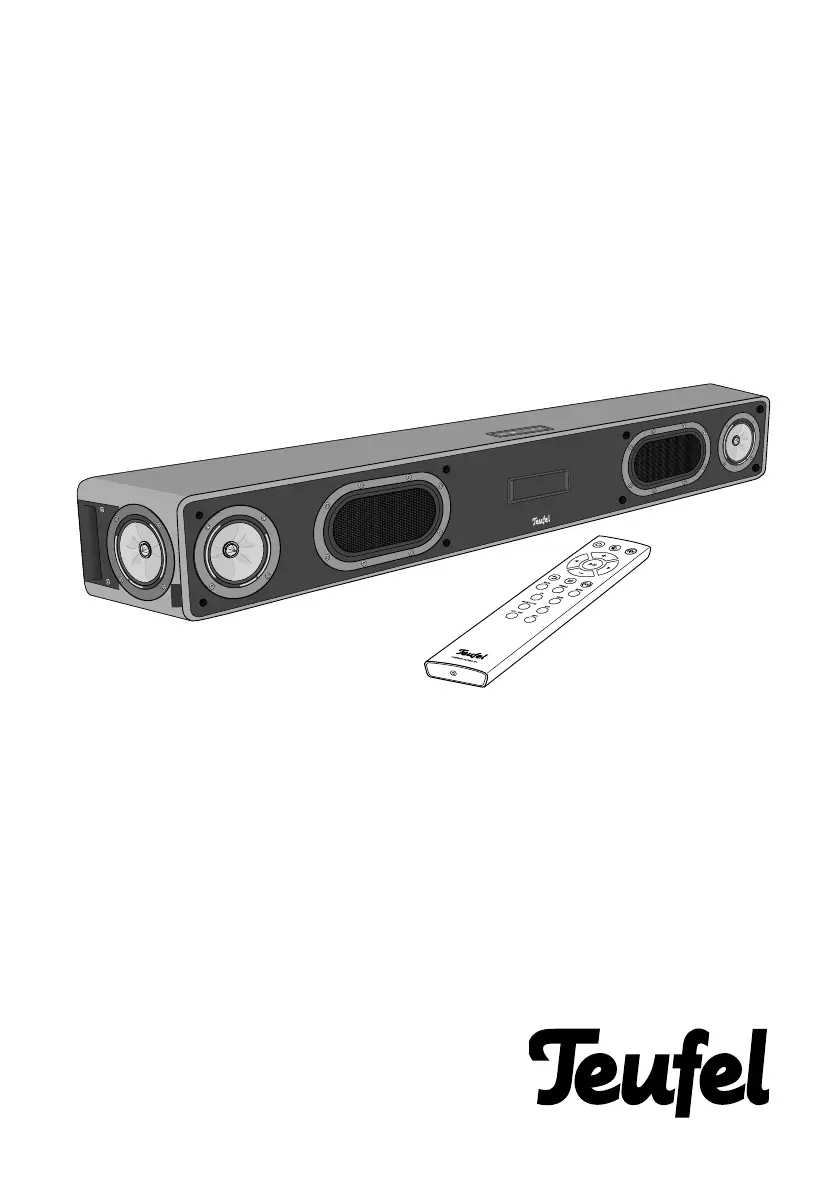
Cinebar Ultima
All-in-One Soundbar with integrated PC Soundcard
Technical Description And User
Manual
HDMI

Questions and Answers

Summary

General Notes And Information

Notice and Trademarks

Document disclaimer, copyright, and listed trademarks.

Product Returns and Complaints

Requirements for returns, packaging, and complaint information.

Customer Contact Information

Customer service phone, fax, and online support details.

For Your Safety

Proper Use

Guidelines for correct and intended use of the speaker.

Explanation of Terms

Defines signal terms like WARNING, CAUTION, NOTICE used in the manual.

Safety Notes

General safety precautions to protect users and third parties.

Explanation of Symbols

Explains safety symbols and their meanings.

Overview

Unpacking and Package Contents

Instructions for unpacking and listing included items.

Checking Package Contents

Procedure to verify all items are delivered and undamaged.

Remote Control

Inserting;Changing Batteries

Instructions on how to replace batteries in the remote control.

Setup;Wall Mounting

Setup Location and Tips

Guidance on ideal placement and mounting advice.

Wall Mounting Instructions

Detailed steps for securely mounting the device on a wall.

Connecting

Connecting to TV Sets

How to connect the soundbar to a TV via HDMI or other inputs.

Connecting Other Audio Sources

Instructions for connecting HDMI, Optical, and Analogue sources.

Operation

Activating and Deactivating

How to turn the soundbar on/off and put it into standby mode.

Automatic Activation and Source Selection

How the device wakes up automatically and selects input sources.

Adjusting Volume and Sound

How to control volume, bass, treble, and equalizer modes.

Special Sound Modes

Explains Night mode, Dynamore®, and Dolby Audio features.

Menu Navigation

Using the Device Menu

General guidance on navigating the soundbar's menu system.

Sound Menu Options

Configuring Treble, Bass, Equalizer, Dynamore, Night, and advanced sound settings.

Speaker and Subwoofer Settings

Adjusting speaker distances, levels, and subwoofer pairing.

System Menu Settings

Managing display, timer, language, and system reset options.

Bluetooth Mode

Pairing and Connecting Devices

Step-by-step guide to wirelessly connect smartphones and players.

Managing Bluetooth Connections

Restoring, interrupting, and terminating Bluetooth connections.

USB Sound Card

PC Audio Playback via USB

Using the soundbar as a PC sound card for audio output.

Mac and Windows Setup

Configuring audio output settings on Mac OS X and Windows.

Software Update

Checking and Installing Software

How to determine the current version and update the device software.

Care And Cleaning

Device Care and Cleaning

Important notices for maintenance and safe cleaning procedures.

Troubleshooting

Problem Solving Guide

Common issues and solutions for the soundbar.

Technical Data

Specifications

Physical dimensions, weight, and operating voltage of the soundbar.

Declaration Of Conformity

Compliance and Radio Data

EU conformity statement and radio frequency transmission power.

Disposal

Electronic Waste Disposal

Proper disposal procedures for electronic devices according to German law.

Battery Disposal Guidelines

Information on safely disposing of batteries and rechargeable batteries.

Teufel Cinebar Ultima Specifications

General IconGeneral
Total Power Output380 Watts
Remote ControlYes
Wall MountableYes
TypeSoundbar System
AmplifierClass D
Drivers2 x Tweeters
Frequency Response38 Hz – 20 kHz
ConnectivityBluetooth, Optical
Dimensions (Subwoofer)Not applicable (no subwoofer included)
Weight (Subwoofer)Not applicable (no subwoofer included)

Related product manuals