EasyManua.ls Logo

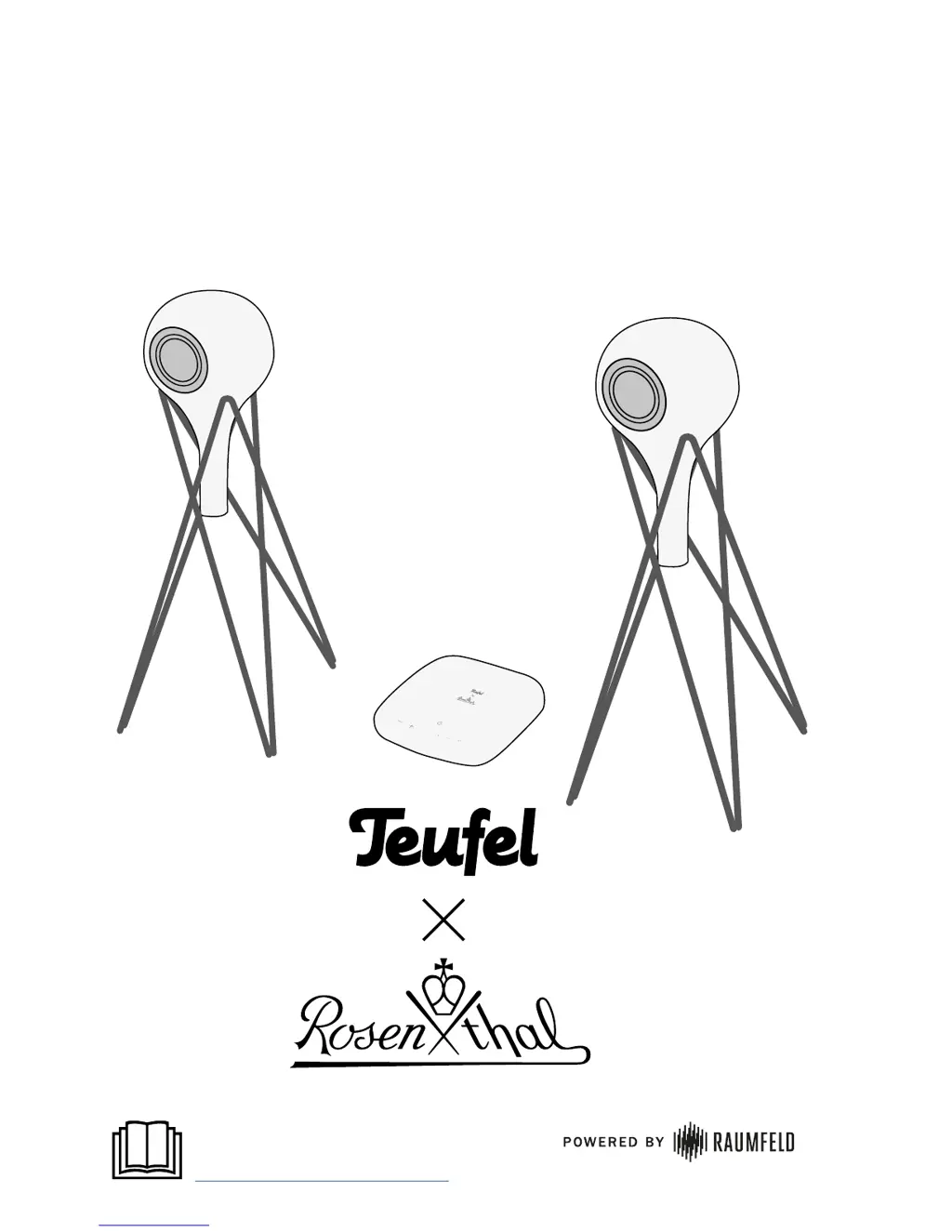
Teufel x Rosenthal - User Manual

Teufel x Rosenthal
16 pages
Print Icon
To Next Page IconTo Next Page
Loading...
User manual
For detailed online documentation,
please visit
http://manual.teufelaudio.com

Questions and Answers

  • T
    Tiffany MorrisAug 8, 2025
    Why does my Teufel x Rosenthal music playback skip or get interrupted?
    • M
      Meghan WhiteAug 9, 2025
      If music playback skips or is interrupted on your Teufel Speaker System, it's possible that one or more devices have a weak Wi-Fi signal. Try placing the devices closer to the router or explore alternative setup locations. For devices far from the router, consider connecting them with an Ethernet cable. If you're using a multi-room system with three or more devices, connecting at least one device via Ethernet and setting it as the host is recommended. Try to avoid using repeaters for testing purposes. If possible, use an audio stream with low resolution. You may also find tips on improving your Wi-Fi on the router manufacturer's website.
  • G
    gutierrezrobertAug 13, 2025
    What to do if Teufel x Rosenthal setup fails?
    • L
      Leslie BrownAug 14, 2025
      To resolve setup failures with your Teufel Speaker System, restart your router and your smartphone or tablet. Set up the device near your router, and disable any repeaters during the setup. Do not use guest access on your router to connect your Teufel streaming devices.
  • S
    Sarah LesterAug 19, 2025
    What to do if Teufel Speaker System app is not connected?
    • P
      Paul GuerreroAug 19, 2025
      If the app isn't connecting or can't find the configured streaming devices for your Teufel Speaker System, ensure that the Teufel streaming devices and the smart device running the Teufel Raumfeld App are on the same Wi-Fi network. Try restarting your router. Also, briefly disconnect your Teufel streaming devices from the power supply and then restart them.
  • E
    Edward HayesAug 25, 2025
    How to reconnect external Bluetooth player to Teufel x Rosenthal Speaker System?
    • D
      dawncastilloAug 25, 2025
      If your external Bluetooth player can no longer connect to your already paired Teufel x Rosenthal, remove the device from the list of known devices on your smartphone and pair it again.
  • M
    Michelle HancockAug 28, 2025
    How to reset Teufel Speaker System?
    • K
      Kelly PayneAug 28, 2025
      By resetting the Teufel Speaker System device, all system configuration settings will be reset. To reset the device when it is switched on, use a straightened paper clip to push the Reset button and hold it down until the device restarts (for at least 8 seconds).
  • F
    frederickjamesSep 3, 2025
    Why are the LEDs not illuminated on my Teufel x Rosenthal Speaker System?
    • B
      Brian CarrSep 3, 2025
      Make sure that power is supplied to your Teufel Speaker System. Check to ensure that the mains plug is securely seated.

Teufel x Rosenthal Specifications

General IconGeneral
BrandTeufel
Modelx Rosenthal
CategorySpeaker System
LanguageEnglish

Related product manuals