EasyManua.ls Logo

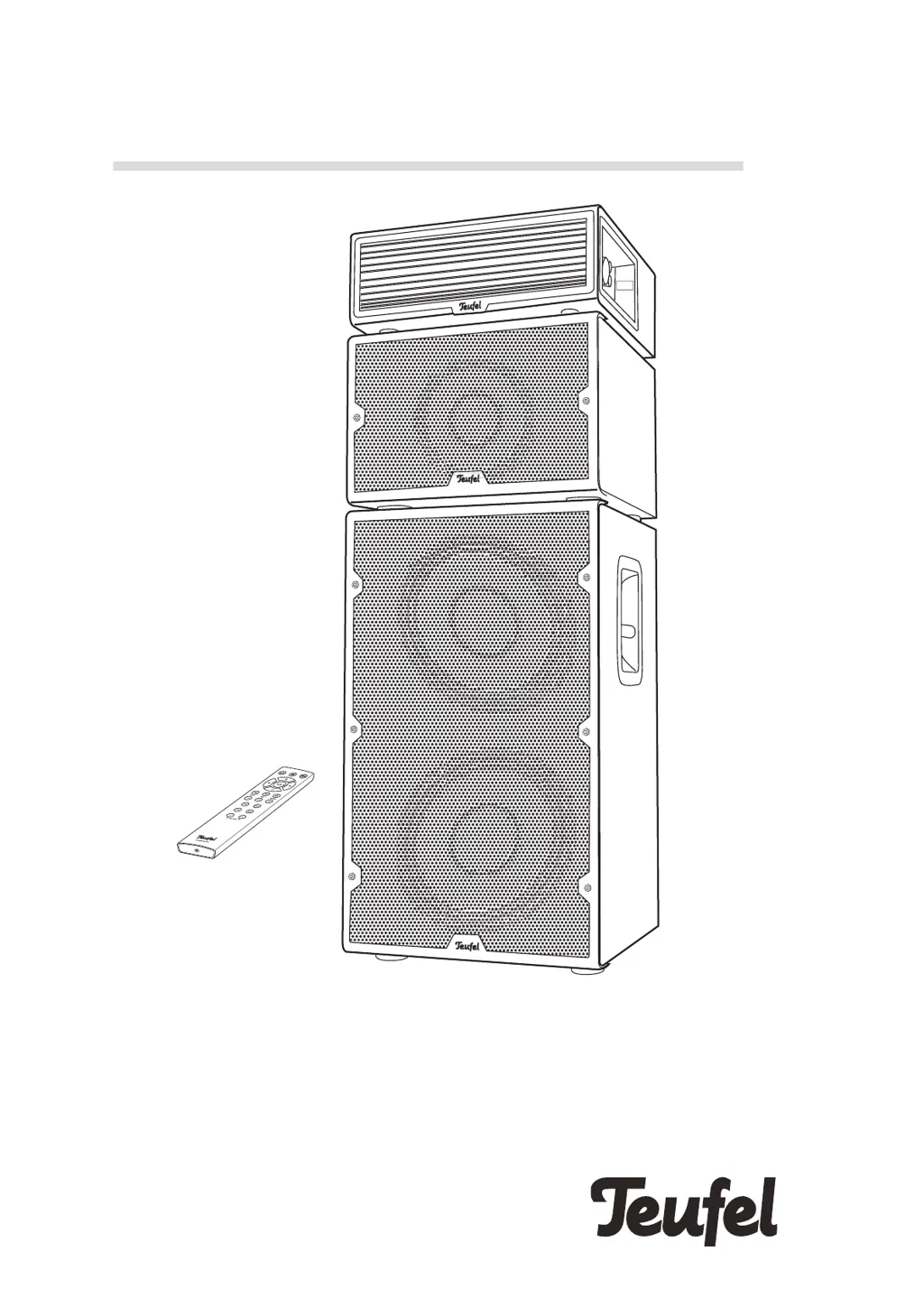
Teufel POWER HIFI - User Manual

Teufel POWER HIFI
32 pages
Print Icon
To Next Page IconTo Next Page
Loading...
Technical Description And User Manual
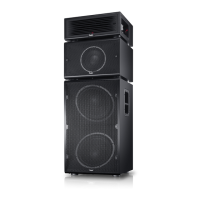
Fully active, modular speaker system
POWER HIFI

Questions and Answers

Summary

General Notes and Information

Notices and Trademarks

Disclaimers, legal notices, and brand acknowledgments.

Original Packaging and Complaints

Information on product returns and how to file a complaint.

Contact Information

Details for reaching customer service for assistance and inquiries.

For Your Safety

Proper Use and Label Description

Guidelines for correct product usage and understanding safety symbols.

General Safety Notes

Essential safety precautions to protect users and prevent hazards.

Symbols and Disposal Information

Product Overview

Unpacking and Package Contents

Steps for unpacking, verifying all items, and checking for damage.

Product Introduction

Controls and Connections

Control Panel Overview

Explanation of buttons, indicators, and display panel functions.

Connection Ports Overview

Details of all input and output connectors on the device.

Remote Control Operation

Battery Replacement

Instructions for battery replacement in the remote control unit.

Setup and Placement

Setup Location Guidance

Recommendations for choosing an optimal and safe placement for the speaker system.

Connecting the System

Connecting Speakers

Procedure for physically connecting the speaker components using SpeakON connectors.

Source Device Inputs

Guide to connecting various audio sources like analogue, digital, and USB.

System Operation

Power On;Off

Basic procedures for powering the device on and off.

Automatic Power Management

Configuration and function of automatic power on/off features.

Selecting Audio Source

How to switch between different audio inputs like Bluetooth, USB, AUX, etc.

Volume and Mute Control

Adjusting audio loudness and using the mute function.

Balance and Sound Adjustment

Fine-tuning audio with balance, bass, mid, and treble controls.

Stereo Channel and Panel Lock

Setting stereo output and locking the control panel for safety.

Mode Configuration

Master Mode Operation

Setting the system to master mode and its implications.

Companion Mode Operation

Setting the system to companion mode and its functionalities.

Bluetooth Mode

Bluetooth Pairing and Connection

Steps to connect external devices wirelessly via Bluetooth.

Bluetooth Connection Management

Handling connection interruptions, restoring, and terminating Bluetooth links.

Bluetooth Playback Control

How to control audio playback and manage calls during Bluetooth use.

Bluetooth Party Mode

Using multiple Bluetooth devices for alternating playback.

USB Sound Card Functionality

Mac OS X Integration

Using the POWER HIFI as a USB audio device with Mac computers.

Windows Integration

Using the POWER HIFI as a USB audio device with Windows computers.

PC Playback Control

Controlling audio playback from a PC via USB connection.

Software Update

Installing New Software

Procedure for updating the device's firmware from the manufacturer's website.

Care and Cleaning

Troubleshooting

Technical Data

Speaker Specifications

Dimensions and weight details for each speaker component.

Radio Frequency Data

Information on Bluetooth frequency bands and transmission power.

Compliance Information

Details regarding EU directives and declaration of conformity.

Teufel POWER HIFI Specifications

General IconGeneral
Configuration2.0
Amplifier TechnologyClass D
BluetoothYes
Bluetooth Version5.0
OutputsSubwoofer Out
Remote ControlYes
Woofer Diameter165 mm
Woofer Size6.50 inch
Tweeter Diameter1 inch
Tweeter Size1 inch
InputsRCA, Optical, Bluetooth
Frequency Response45 - 22000 Hz

Related product manuals