EasyManua.ls Logo

Teufel Concept C 100 - User Manual

Teufel Concept C 100
12 pages
Print Icon
To Next Page IconTo Next Page
Loading...
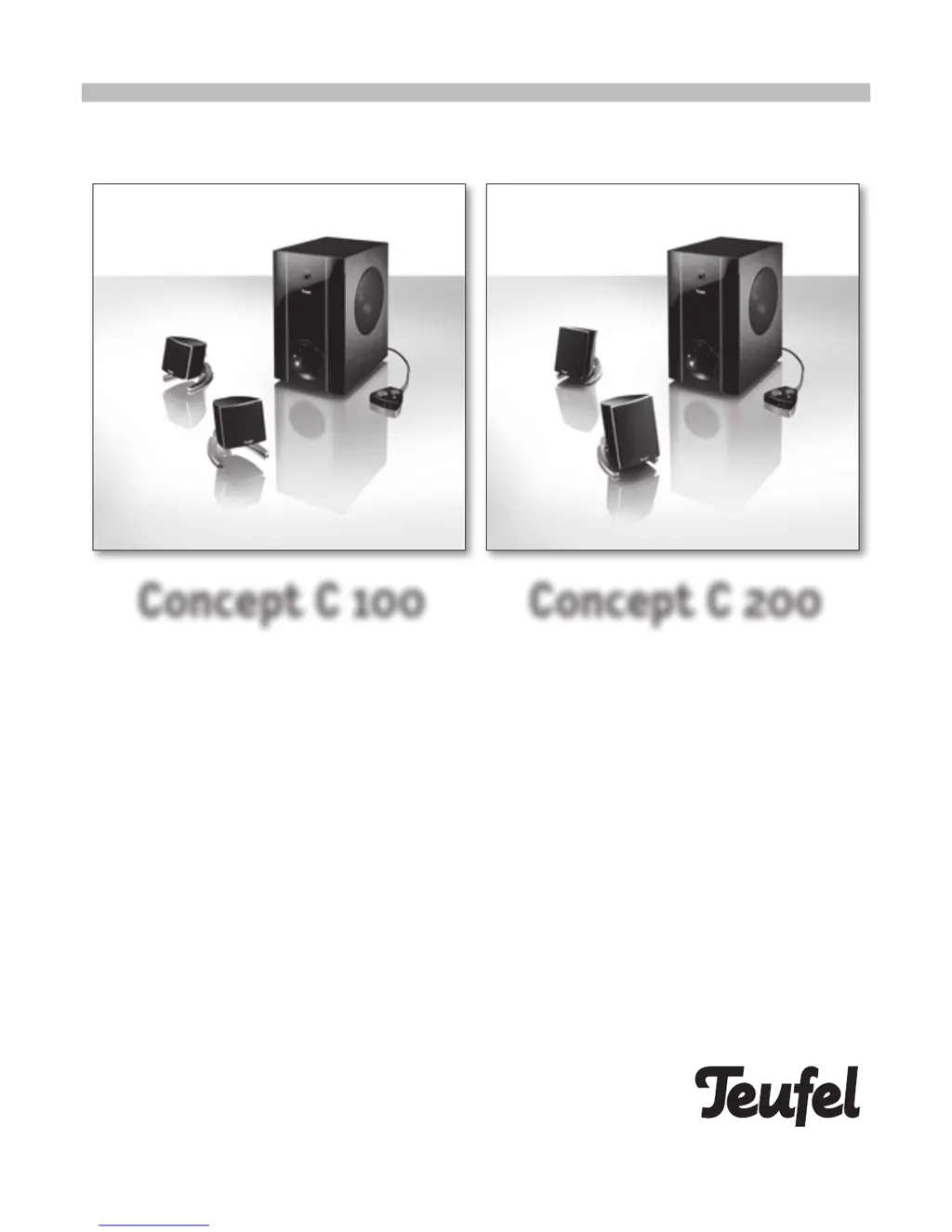
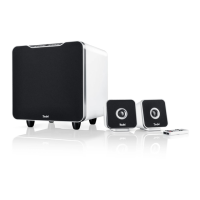
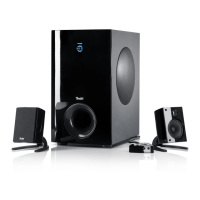
Active 2.1 multimedia set with table remote control
Technical specifications and operating instructions
Concept C 100 Concept C 200

Questions and Answers

  • W
    wardjennaAug 10, 2025
    Why is my Teufel Speaker System subwoofer buzzing?
    • K
      katherinehernandezAug 10, 2025
      A buzzing subwoofer can often be resolved by ensuring all connected devices, including PCs, are on the same power circuit or outlet. If the buzzing stops when you disconnect aerial cables from the wall, you may need a sheath current filter from an electronics retailer. Alternatively, try a mains filter for all devices. Other solutions include disconnecting the plug strip and plugging the subwoofer directly into the wall, reversing the mains plug in the socket, or creating an additional earth by connecting a cable from the power amplifier's metal screw to a heating pipe or PC casing.
  • K
    Kimberly HarrisonAug 19, 2025
    What to do if there is no sound from my Teufel Speaker System subwoofer but the satellites are working?
    • J
      John JohnsonAug 20, 2025
      If the satellites are working but there's no sound from the subwoofer, try connecting a known working source, like a portable CD player, to the line in left/right cinch input on the subwoofer. Also, the cinch cable may be defective or the source appliance might not be sending a signal. In this case, gradually increase the subwoofer's volume and touch the inner cinch thermistor with your finger.
  • N
    Nathan FitzpatrickAug 30, 2025
    What to do if one of my Teufel Speaker System satellites has no sound or distorted sound?
    • P
      Patrick BarnettAug 30, 2025
      If one satellite has no sound or distorted sound while the other works, swap the non-functioning satellite with the functioning one. This will help determine whether the problem lies with the satellite itself or with the subwoofer's electronics.

Summary

Warranty Terms

Speaker Set-up

Connecting the Concept C 100

Connecting the Concept C 200

Operating the Concept C 100;200

Connecting and Controlling the System

Connect the table remote control and use its buttons for power, volume, and bass adjustments.

Subwoofer Operating Elements

Rear Panel Connections

Description of rear panel inputs like Aux In, Remote Control, Mic Out, USB, and Speaker Outputs.

Front Panel Controls

Explanation of the power switch, fuse, and other operational elements on the subwoofer front.

Troubleshooting

Subwoofer Buzzing Issues

Addresses common causes and solutions for buzzing sounds from the subwoofer, including grounding issues.

No Sound Issues

Provides steps to diagnose and resolve situations where no sound is produced by the satellites or subwoofer.

Distorted Sound or Satellite Issues

Guides on identifying defects in satellites or subwoofer electronics when sound is distorted or absent from one speaker.

Teufel Concept C 100 Specifications

General IconGeneral
BrandTeufel
ModelConcept C 100
CategorySpeaker System
LanguageEnglish

Related product manuals