11
Helpline No. UK/Northern Ireland 01270 508538 Rep. Ireland 1800 995 036
Web Support : www.quesh.co.uk
Model Number: 48451 11
13. System Reset. Press and hold the ”Info” button for 3 seconds. The
display will show “RESET”. There may be times when you need to reset
your receiver back to its original factory settings i.e. when you move
the radio to another part of the country. So that you can pick up the
local & national DAB stations in that area. If you don’t do this, then
when you select a station on the radio, it may no longer be available.
14. Reset procedure. Press the “Tune/Select” key to conrm to start the
Reset. Please note that once the reset has taken place, you will lose all
of your stored presets both DAB and FM, and the internal DAB registry.
FM Mode
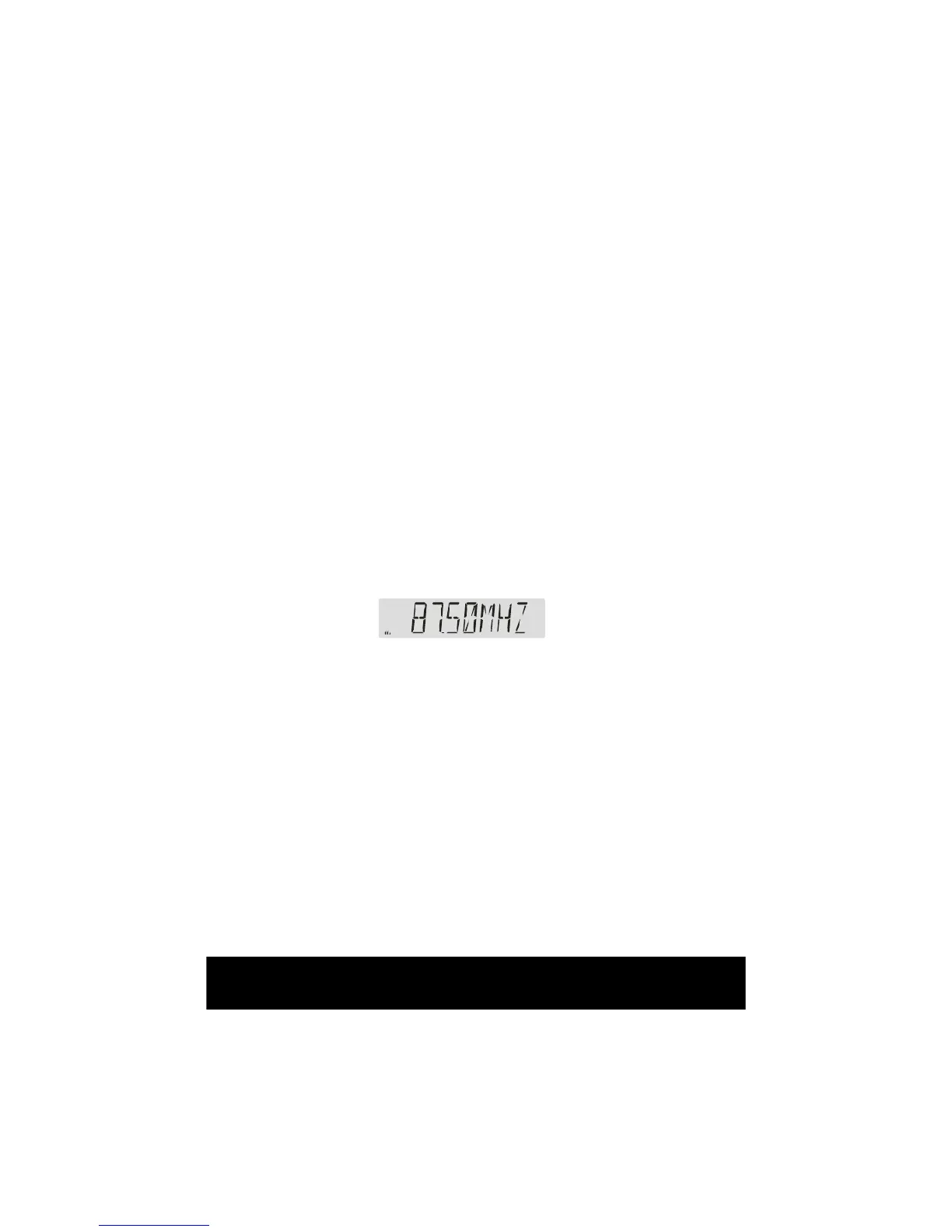
1. Switching from DAB to FM, In order to switch the radio from DAB to FM
mode, you need to press the “ DAB/FM ” button once. The display will
show:


 To Next Page