5
5
Helpline No. UK/Northern Ireland 01270 508538 Rep. Ireland 1800 995 036
Web Support : www.quesh.co.uk
Model Number: 48451 5
Instructions
Switching your radio on for the rst time
1. Connect the mains adaptor to the DC power socket of the radio and to
the power supply from the wall socket.
2. Extend the aerial as far as it can go.
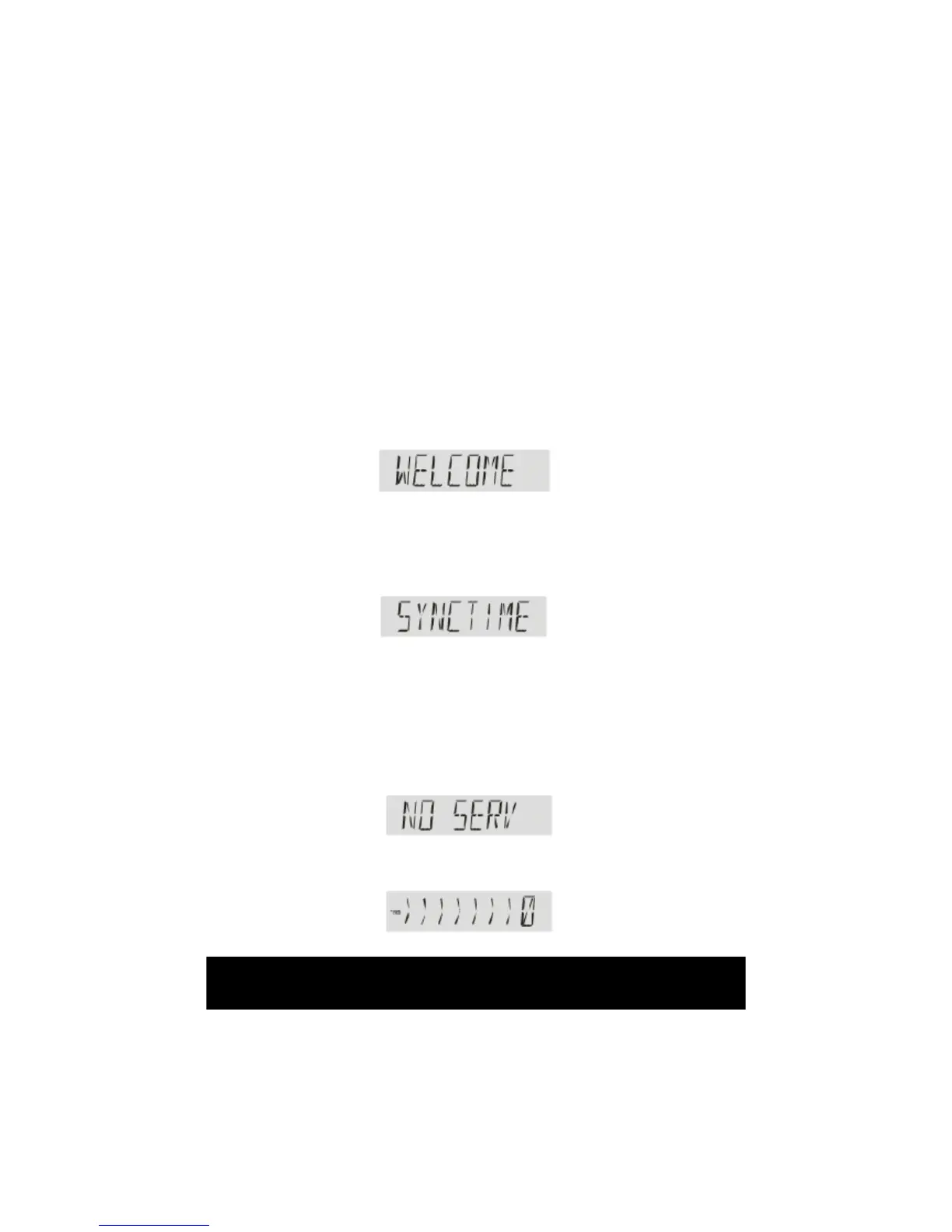
3. The radio will automatically show.
4. The radio will now sync, as you will see on the LCD display.
5. The device will be checking the time by DAB signal, this can take up to
10 seconds.
6. It takes around 2 minutes to search for DAB stations. if there are no
stations available it will display "SYNC FAIL". If you press the Tune/Select
button anytime during the scan, this will cancel the procedure. The
time will also show incorrectly, and "SYNC FAIL" will appear on the
screen again.
7. If there is no DAB signal, or cancel the scan using the Tune/Select dial,
the LCD will display “NO SERV”
8. During scan mode, the LCD will display a slide bar that indicates the
progress of scan and the amount of radio stations that have been
found so far.


 To Next Page