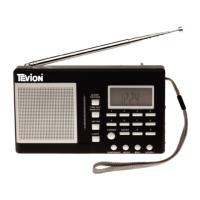
Helpline No. UK/Northern Ireland 01270 508538 Rep. Ireland 1800 995 036
Web Support : www.quesh.co.uk
Model Number: 48451 14
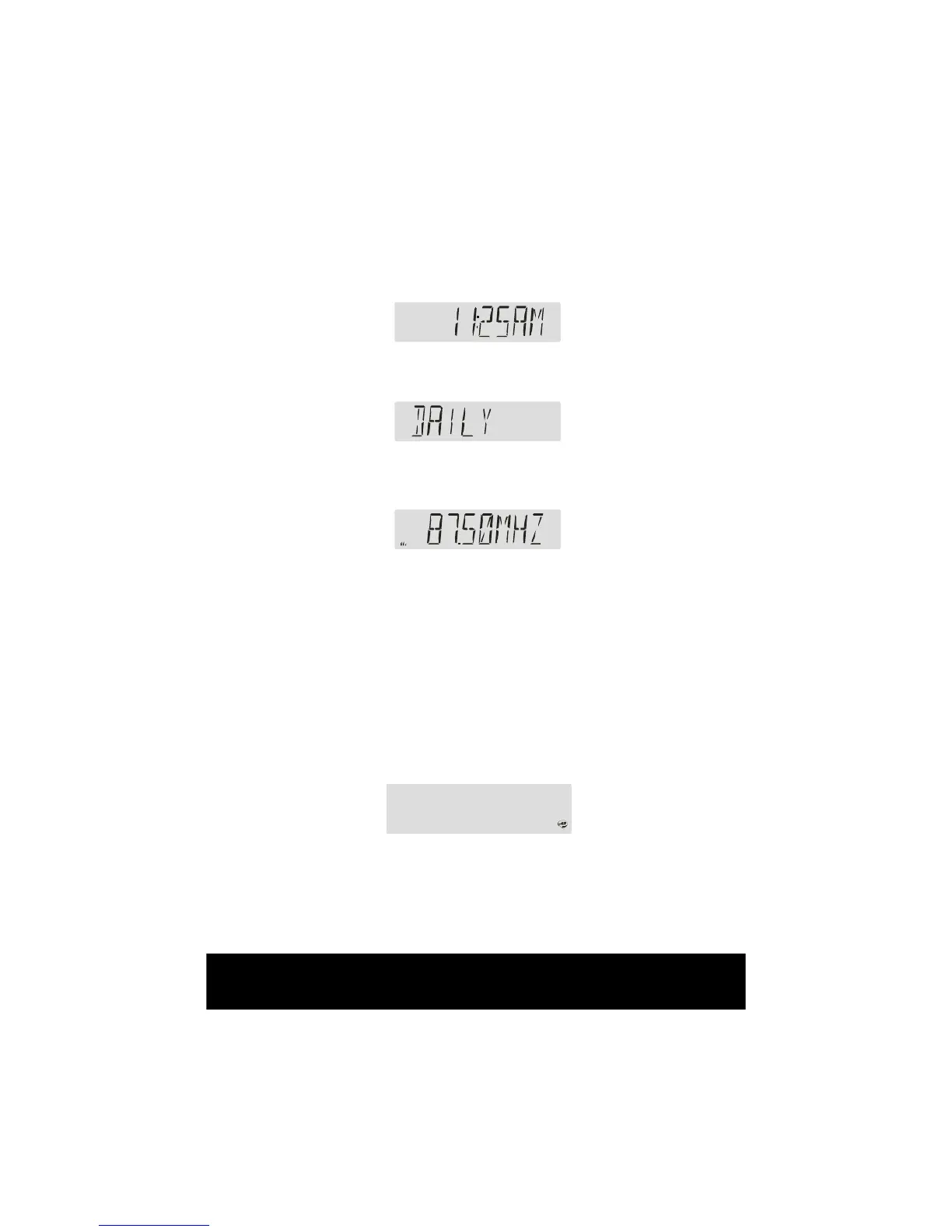
3. Press down ”Tune/Select” button to Set Alarm’s minute, turn ”Tune/Select”
button to change minute.
4. Press down “Tune/Select” button to Set Alarm’s repeat mode, turn
“Tune/Select” button to change repeat mode. ”DAILY ” or ”ONCE” .
5. Press down “Tune/Select” button to conrm the Alarm setting. The
display will return to the Radio Frequency screen. Press the “Standby”
button when you want to activate the Alarm.
When in standby mode, press the “Alarm” button to set the alarm
6. When Alarm is Triggered. When the Alarm is set to “BUZZ”, the “BUZZ”
sound will be activated for 60 minutes when the Alarm is sounding, you
can press the “STANDBY” key to cancel the alarm.
7. When the Alarm is set to DAB or FM, the DAB radio will switch from
standby mode to Radio mode when the alarm starts. The alarm will last
for 60 minutes. Press the ”Standby” key to cancel the alarm or return to
standby status.
Snooze Function
1. To enable the Snooze feature, press the ”Snooze” button after the alarm
starts. The alarm will turn on every 5 minutes if the snooze function is
activated.
2. Press “STANDBY” key to Cancel Snooze Function.


 To Next Page