13
Helpline No. UK/Northern Ireland 01270 508538 Rep. Ireland 1800 995 036
Web Support : www.quesh.co.uk
Model Number: 48451 13
Alarm Mode
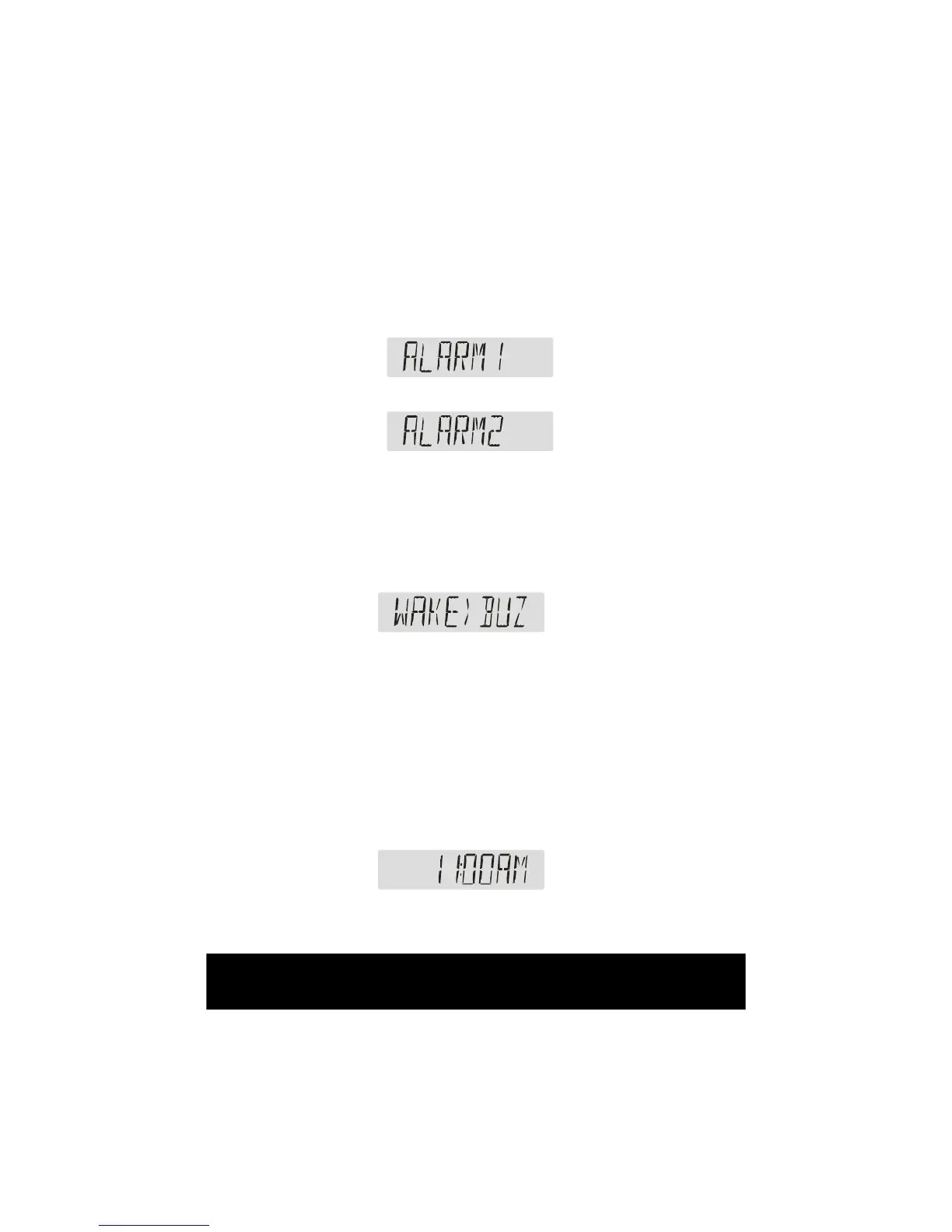
1. Check Alarm Status. Under the condition of listening to the radio,
press the “alarm” button, the LCD will display the alarm mode.
Turn the “Tune/Select” button to set ALARM 1 or ALARM 2
Press down the “Tune/Select” button, and turn the dial to select “ON” or
“OFF”. Choose “OFF” to disable the alarm and return to the radio function.
Press the “Tune/Select” dial on “ON” to turn the alarm on, you will then
need to turn the dial to choose between “BUZZ”,”DAB” or “FM”. Choosing
”BUZZ” will set the alarm to a standard alarm tone, “DAB” will turn on the
DAB radio at the time of the set alarm, “FM” will turn on the FM radio at the
alarms set time.
Press down the ”Tune / Select” key to conrm the select.
For Radio Alarm, it plays the DAB or FM station that you tuned to before
you turned off the radio at the same volume level, if you don’t receive any
DAB station on DAB mode, the alarm function cannot be activated on DAB
mode.
2. Setting Alarm Time. Select ”ON” and Press down “Tune/Select” button
to Set Alarm’s hour, turn “Tune/Select” button to change the hour.


 To Next Page