Localizer © 2001, 2002 Texas Instruments 10
Running a Localization App
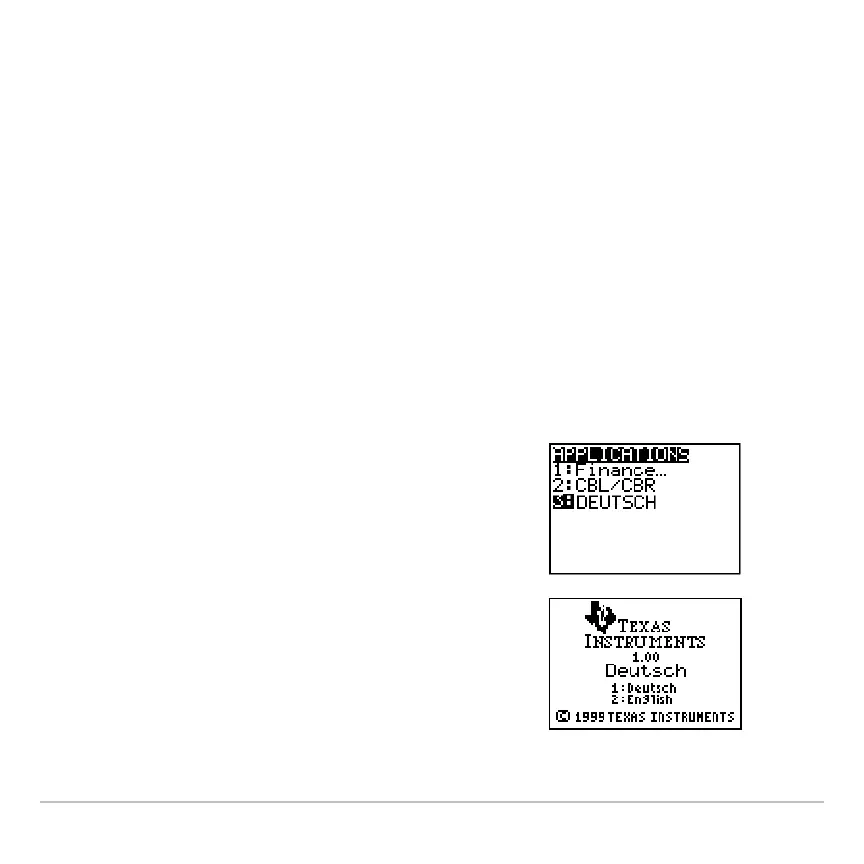
1. On your TI-83 Plus or TI-83 Plus Silver Edition, press Œ. The
Applications menu displays.
2. Use } and † to move the cursor to the language you want, and
then press Í.
3. Press 1 to complete the localization.
Note: The built-in Finance App is automatically localized. The CBL/CBR
App and other Apps that you may have installed may not be localized.
Returning to English
1. On your TI-83 Plus / TI-83 Plus Silver
Edition, press Πto display the
APPLICATIONS menu.
2. Use } and † to move the cursor to a
language localization App, and then
press Í.
3. Press 2 to select English.



 To Next Page
 Loading...













