SETTING UP:
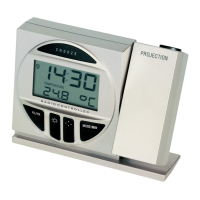
The Projection clock can be batteries operated or powered by the provided AC/DC adapter.
BATTERIES INSTALLATION
1. Open the battery cover at the back of the projection clock as indicated above.
2. Checking the correct polarization, insert 2 x AA, IEC LR6, 1.5V Alkaline batteries into the battery
compartment and replace the cover.
3. When the batteries are inserted, all the segments of the LCD will light up briefly and a “beep” will
sound. the Projection clock will now start receiving the DCF time signal. After approximate 3 to 5
minutes, the DCF time will be displayed.
4. If reception is not successful within approximately 7-10 minutes, the PRojection clock will attempt to
receive the signal in the next following hour.
Your projection clock is now operational.
Note:
If the batteries are used as the main power source:
1. Projected image brightness, alarm volume and back-light strength would be weaker.


 To Next Page