— E23 —
Playing Songs from the Recorded Files (Continued)
Operation
5
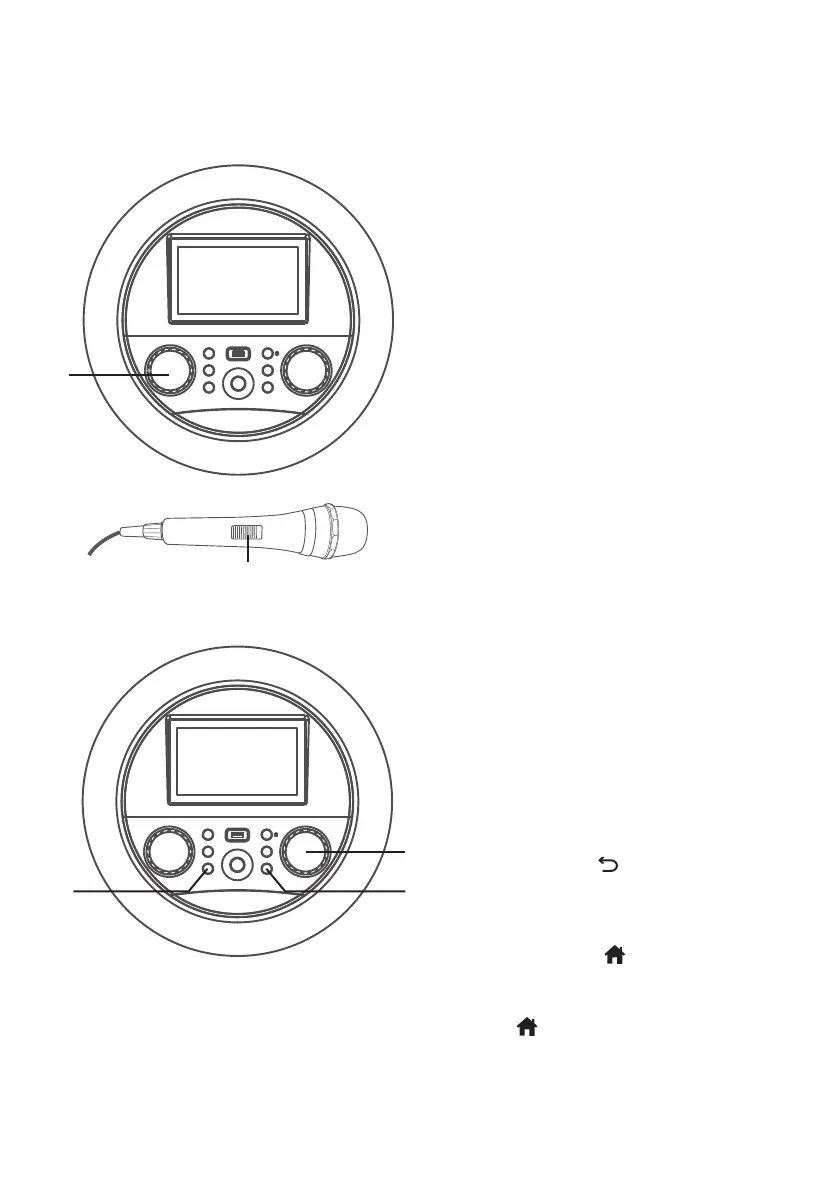
Adjust the MUSIC VOLUME
control as desired.
6
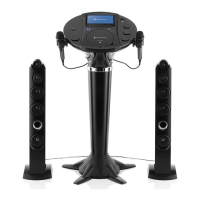
Connect microphone(s) and
slide the ON/OFF switch on the
microphone to the ON position.
7
Adjust the MIC VOLUME/ECHO
control as desired. Increasing this
control will increase the volume of
both microphones.
Press then rotate the MIC
VOLUME/ECHO control as
desired to add an echo effect to
your voice. Rotate towards MAX
to increase the echo.
8
Press the (RETURN) button to
go back to the previous screen.
9
Press the (HOME) button to
go to the home screen from any
mode or screen. Press and hold the
(HOME) button to go to menu.
U
X W
V
y


 To Next Page