— E4 —
5
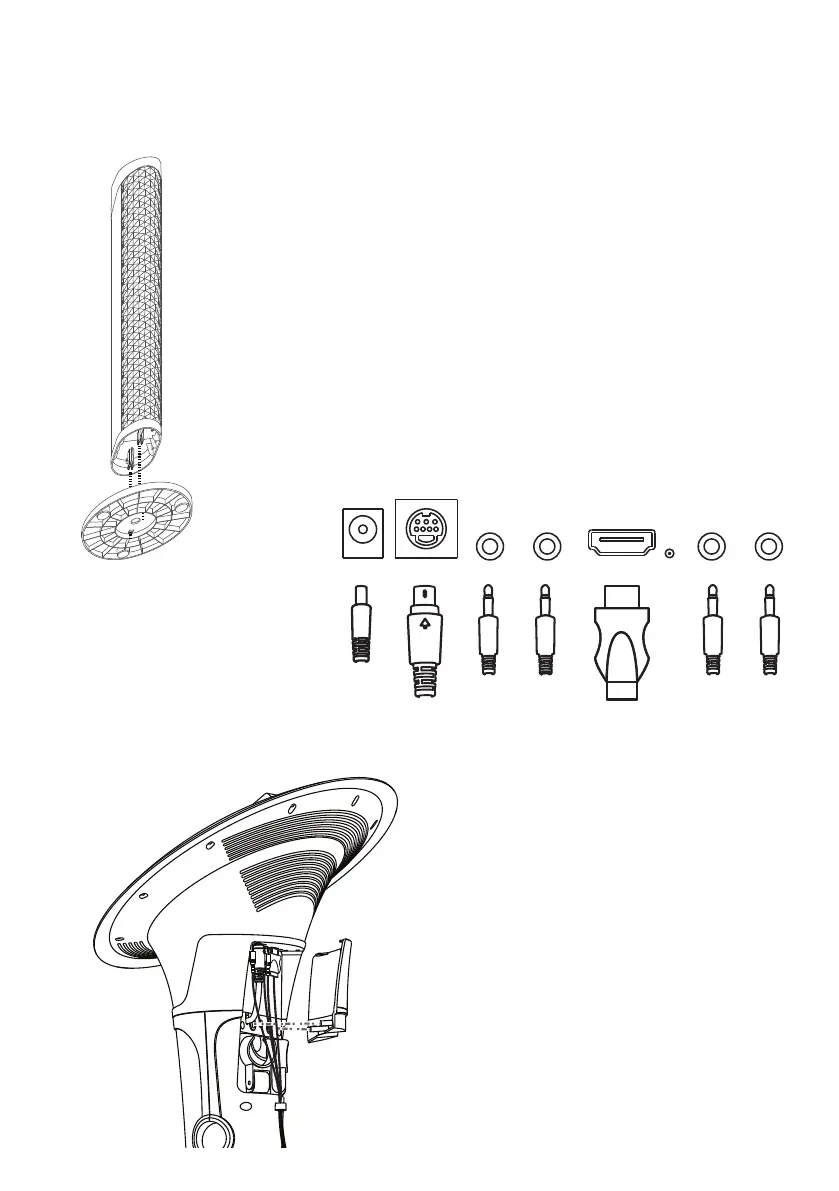
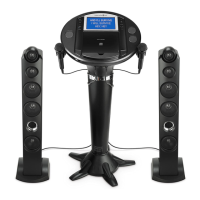
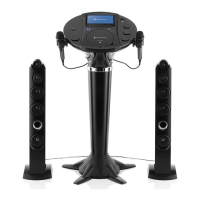
Place the tower speaker on the
speaker stand while aligning the
holes and press u. You will hear a
"click" sound when locked.
Assembly
6
Connect to AC power, HDMI (if
desired) and speakers as shown
on page 7. You can use the cord
management clamps to manage
cords. Put the pedestal jack cover
onto the rear of the main unit.
You will hear a "click" sound when
locked.
u
DC IN JACK
SUBWOOFER
JACK
HDMI
JACK
R L
SPEAKER
JACK
LINE
OUT
JACK
LINE
IN
JACK





 To Next Page