— 15 —
Operation
Playing Songs from the USB (Continued)
10
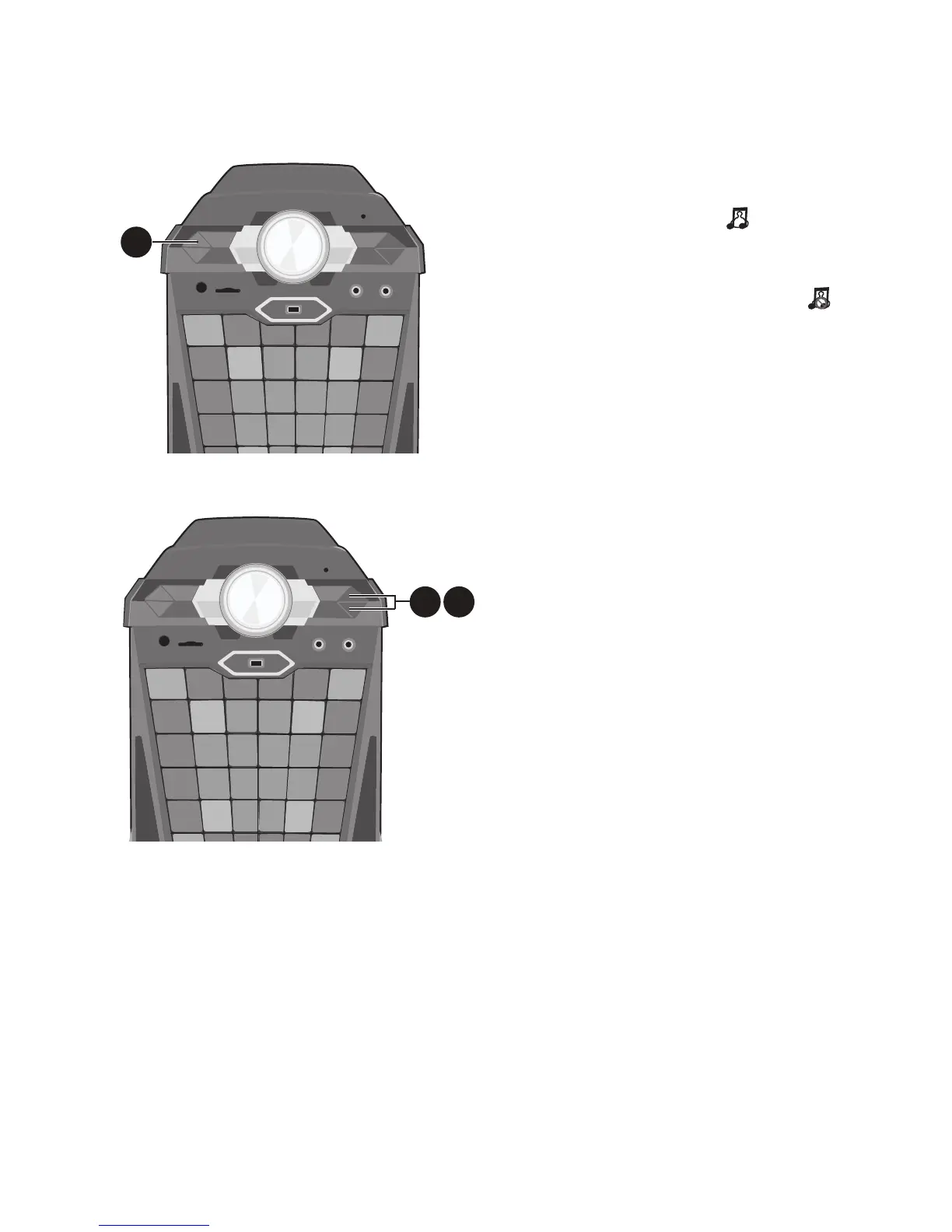
VOCAL: To sing with the lead
singer on the recording press the
VOCAL button; “ ” will appear
at the top right of the TV screen).
To listen to music only, press
the VOCAL button again; “
” will appear over the Lead Vocal
Status icon.
Note: The song must be recorded with
separate vocals that is downloaded (aka
multiplex recording) in order to utilize the
Lead Vocal function.
11
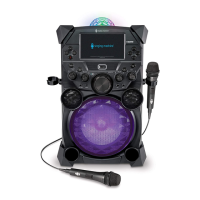
SKIP: Advance or go back
one track by pressing the
Navigation Right or Left
button.
12
TO ADVANCE ON THE TRACK:
During playback, press and hold
the Navigation Right or Left
button to move forward or
backward. When you release
the button, normal playback will
resume.
10
11 12













 To Next Page