— E9 —
Connections
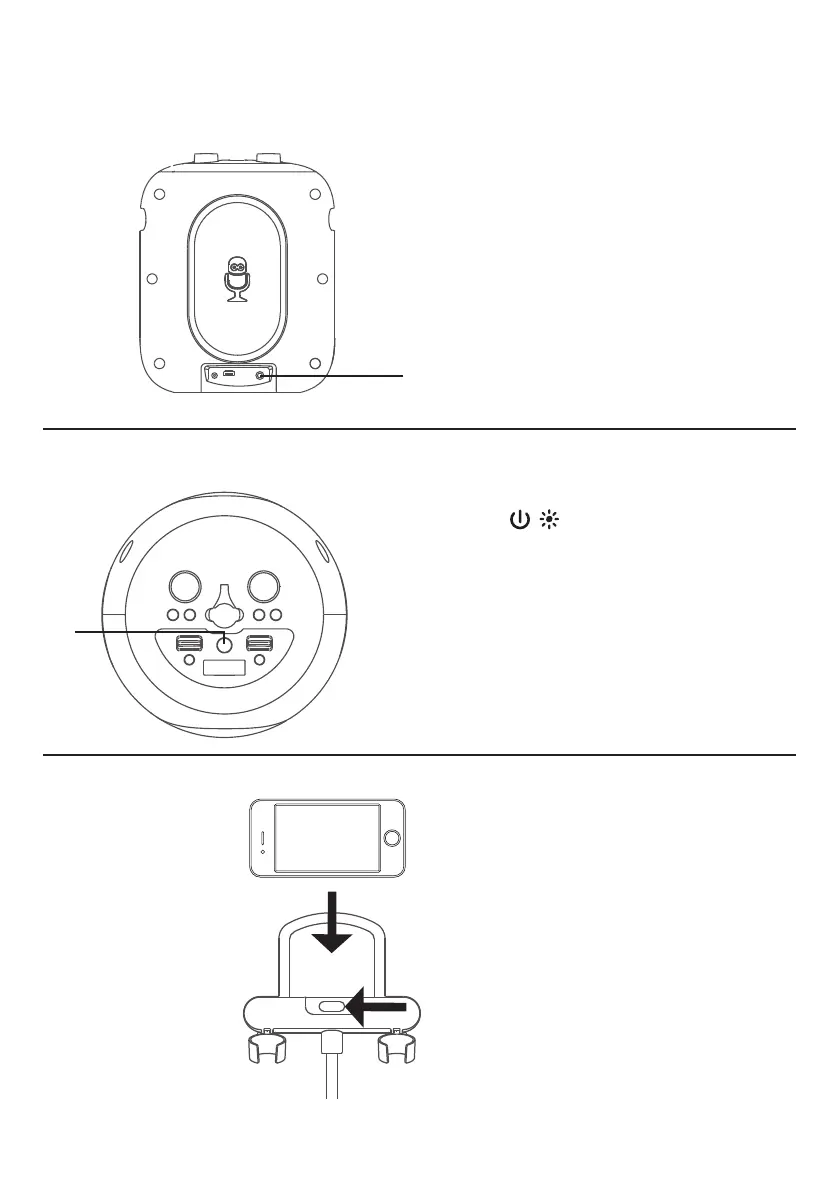
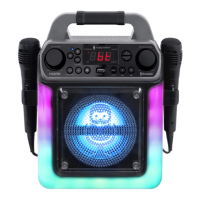
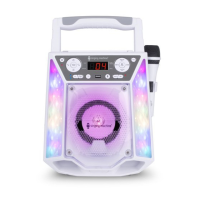
Lights Mode
u
There are 5 built-in light modes. Repeatedly
press the / button to switch between
lighting effects.
Cradle
PULL
Connecting the optional wired Microphone
Connect the wired microphone (not
included) into Mic jack
u
(when desired).
NOTE: Maximum of two microphones
(wired or wireless) can be connected to
the unit at one time. After inserting the
wired microphone (Mic 3), the wireless
microphone 1 (Mic 1) will be turned off
automatically.
u



 To Next Page