— E11 —
Operation
Playing a CD (Continued)
Program Notes:
• Press the STOP
button TWICE to
stop and clear the program.
• If more than 20 tracks are attempted
to be programmed, “FUL” will appear in
the display.
14
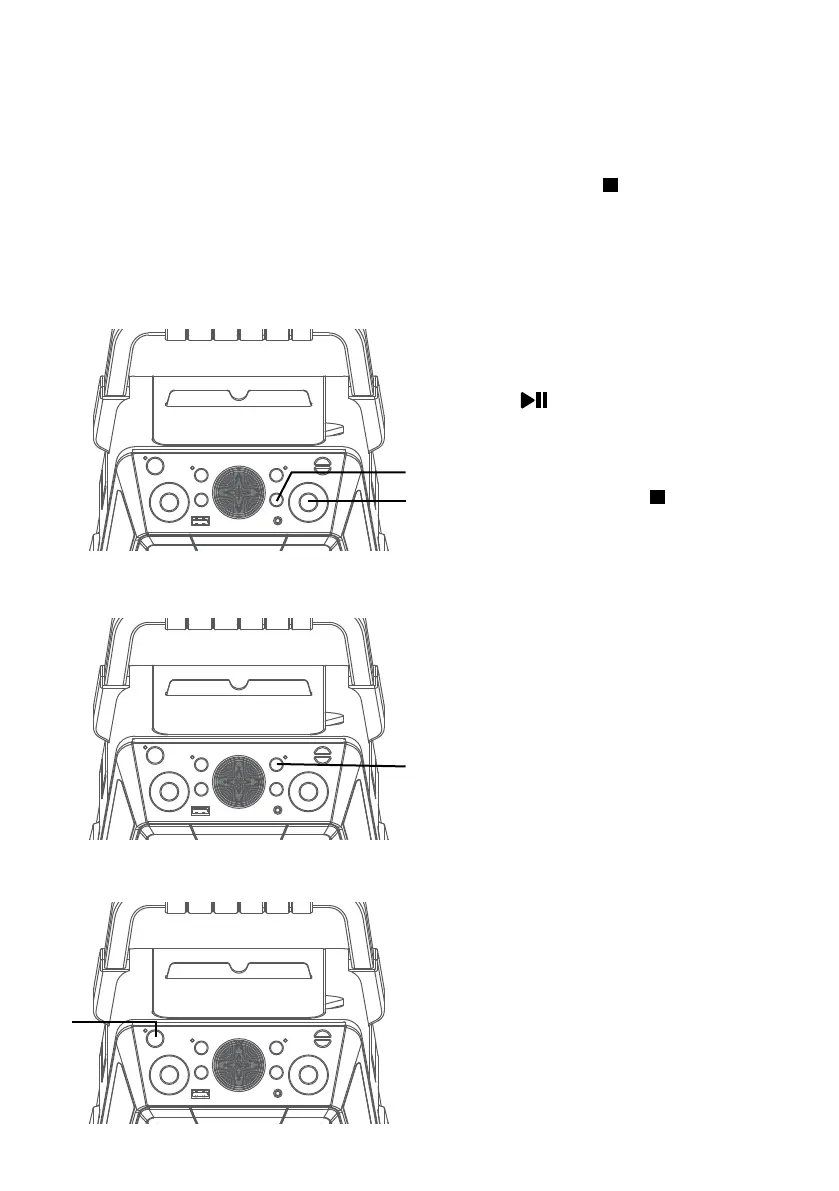
PAUSE: During playback, if
you wish to pause the disc
momentarily, press the ENTER/
button; the PLAY/PAUSE
indicator will blink. Press again to
resume normal playback.
15
Press the STOP button to stop
playback.
16
RECORD YOUR VOCAL
PERFORMANCE:
To record your singing as well
as the music, press the REC
button. Recording will begin and
the record indicator will light
solid.
When done recording, press the
REC button again; the record
indicator will turn off.
Notes:
• A USB drive (not included) must be
inserted into USB slot to record.
• The recorded audio file will record onto
the USB drive.
• See section “
Playing Songs from the
USB”
to play back your recorded files.
17
Press the ON/STANDBY button
to turn the unit off; the power
indicator will turn off.
an
ap
ao
aq















 To Next Page