— E18 —
Operation
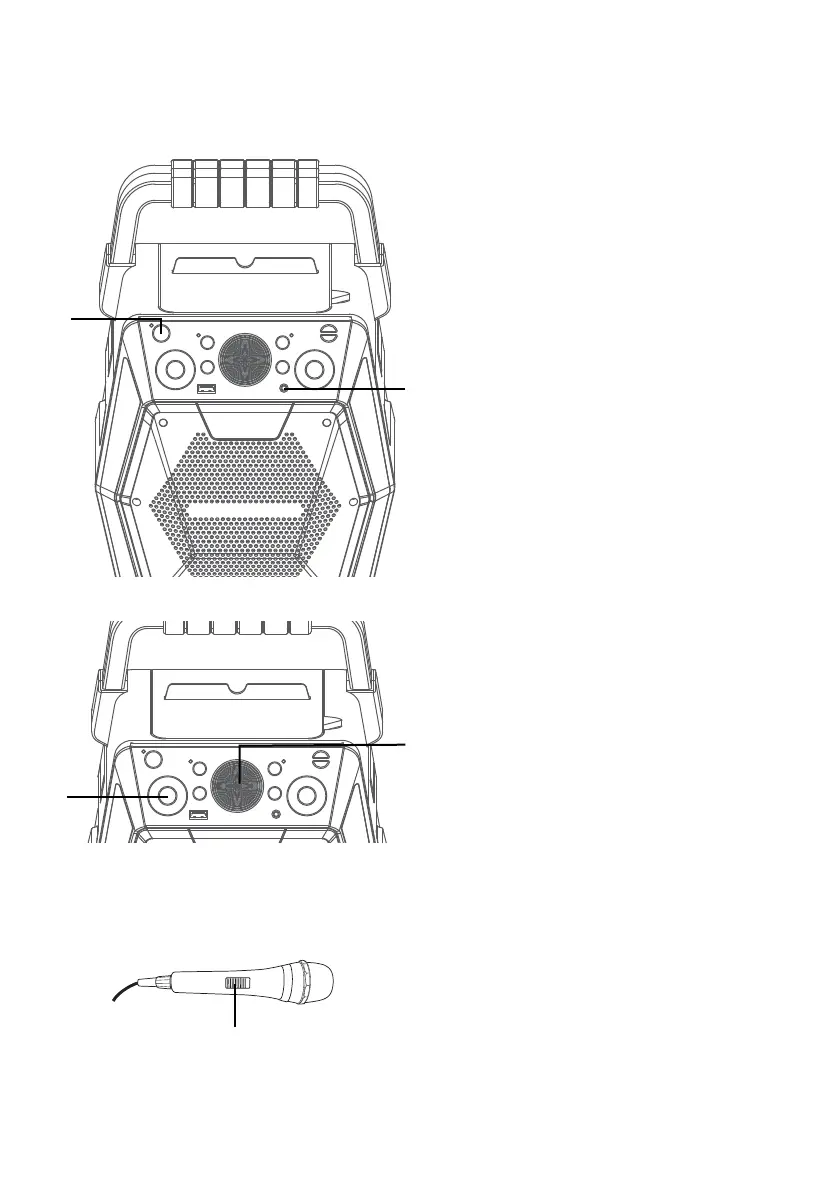
Using the LINE IN Jack
1
Connect the unit as described
previously. Press the ON/
STANDBY button to turn the unit
on.
2
Connect the external unit to the
LINE IN Jack on the front of this
unit. Connecting an external unit
will allow the audio to be played
through your Singing Machine.
Notes:
• It is highly recommended to set the
volume on the auxiliary unit to 1/3 or
lower to avoid distortion.
• Skipping files/tracks is not possible in this
unit when using an external device.
3
Repeatedly press the FUNCTION
button to select the LINE IN mode;
“AU” will appear in the display.
4
Adjust the volume using the
MASTER VOLUME control on
this unit or your external device’s
volume control.
5
Connect microphone(s) and
slide the ON/OFF switch on the
microphone to the ON position.
u
v
y
x
w















 To Next Page