— E12 —
Operation
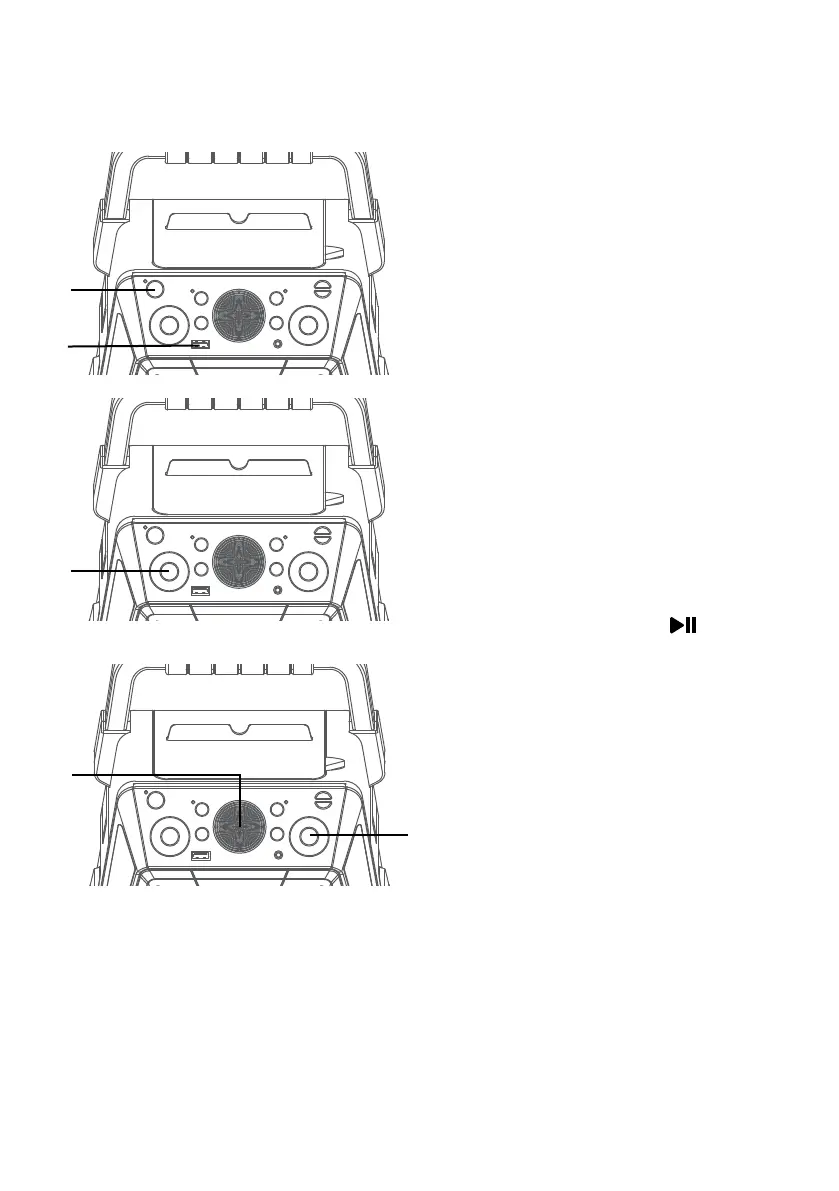
Playing Songs from the USB
1
Connect the unit as described
previously; it should be connected
to a TV. Press the ON/STANDBY
button to turn the unit on; the
power indicator will turn on.
2
Insert a USB flash drive into the
USB slot on the unit so it faces
upward.
3
Repeatedly press the FUNCTION
button to select the USB mode;
“USb” will appear when searching
the drive and then the total
number of files will appear.
Note: It is highly recommended to have it
connected to a TV for USB playback.
4
Press the ENTER/ button to
start playback; if listening to an
MP3+G file, the image and lyrics
will appear on the TV screen (if
connected).
Notes:
• If connected to a TV you will see the
selected song and folders on the TV
screen. You can navigate them using
the Navigation buttons.
• If you recorded any audio files you can
also select them using the Navigation
buttons to select the REC folder on the
TV screen.
5
Adjust the volume to a
comfortable level using the
MASTER VOLUME control.
Note: If connected to a TV or other audio
source, adjust the volume of the TV using
its own volume control.
u
v
w
x
y















 To Next Page