— E13 —
Operation
Playing Songs from the USB (Continued)
6
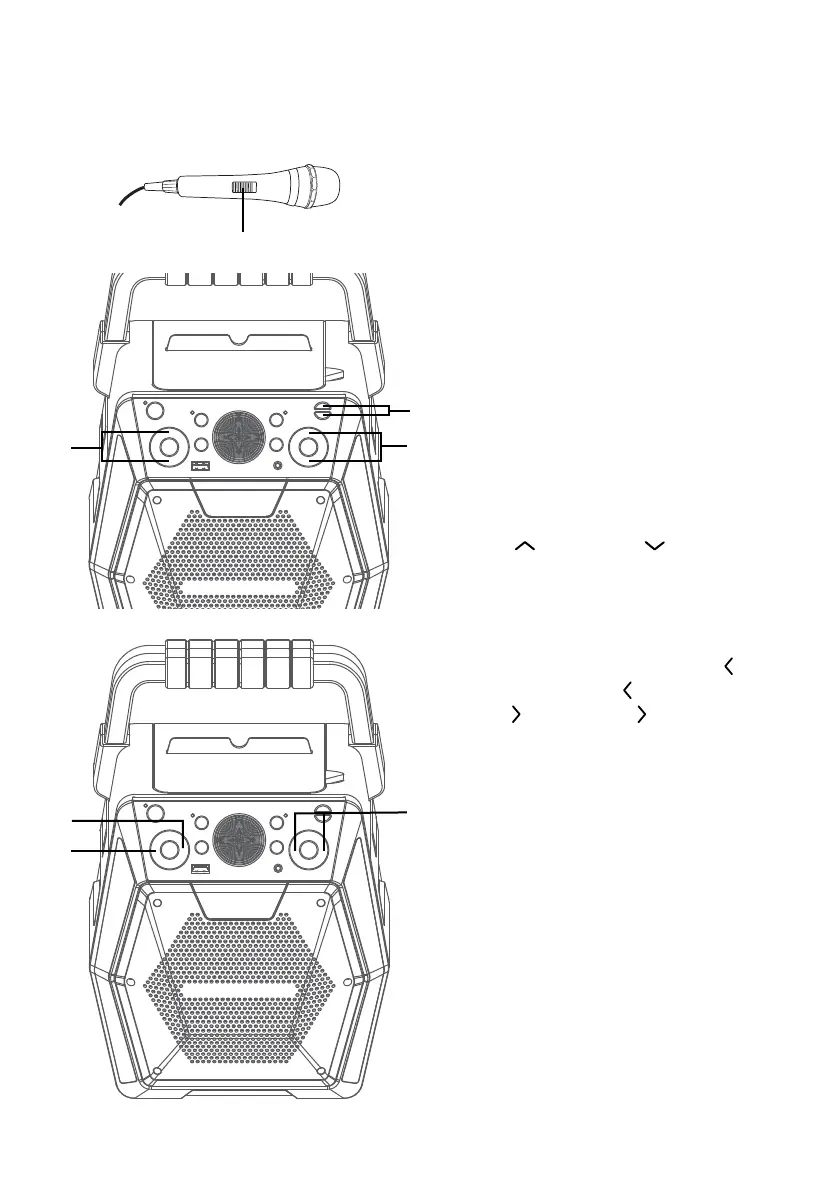
Connect microphone(s) and
slide the ON/OFF switch on the
microphone to the ON position.
7
Press the MIC VOLUME + or –
button as desired, which will affect
both microphones.
8
Press the ECHO + or – button to
add an echo effect to your voice.
9
Adjust the Key using the KEY +/
and KEY –/ buttons to
obtain the best key for the playing
track.
10
SKIP: Advance or go back
one track by pressing the
(Navigation / Skip -) and
(Navigation / Skip +)
buttons.
You can also skip ahead 10 files/
tracks using the SKIP +10 button.
11
REPEAT: During playback, press
the PROG/REP button once
to repeatedly play the selected
song; the repeat indicator will
blink slowly. Press the PROG/
REP button a second time to
repeatedly play the selected
folder; the repeat indicator will
blink rapidly. Press a third time
to repeatedly play the USB; the
repeat indicator will light solid.
Press it again to cancel Repeat
function; the indicator will turn off.
U
V
W
X
at
at
ak















 To Next Page