26
3-10 DPM, Multiple symbols, Structured append, etc. read setting
2D symbols read: A global setting of 2D symbols readability.
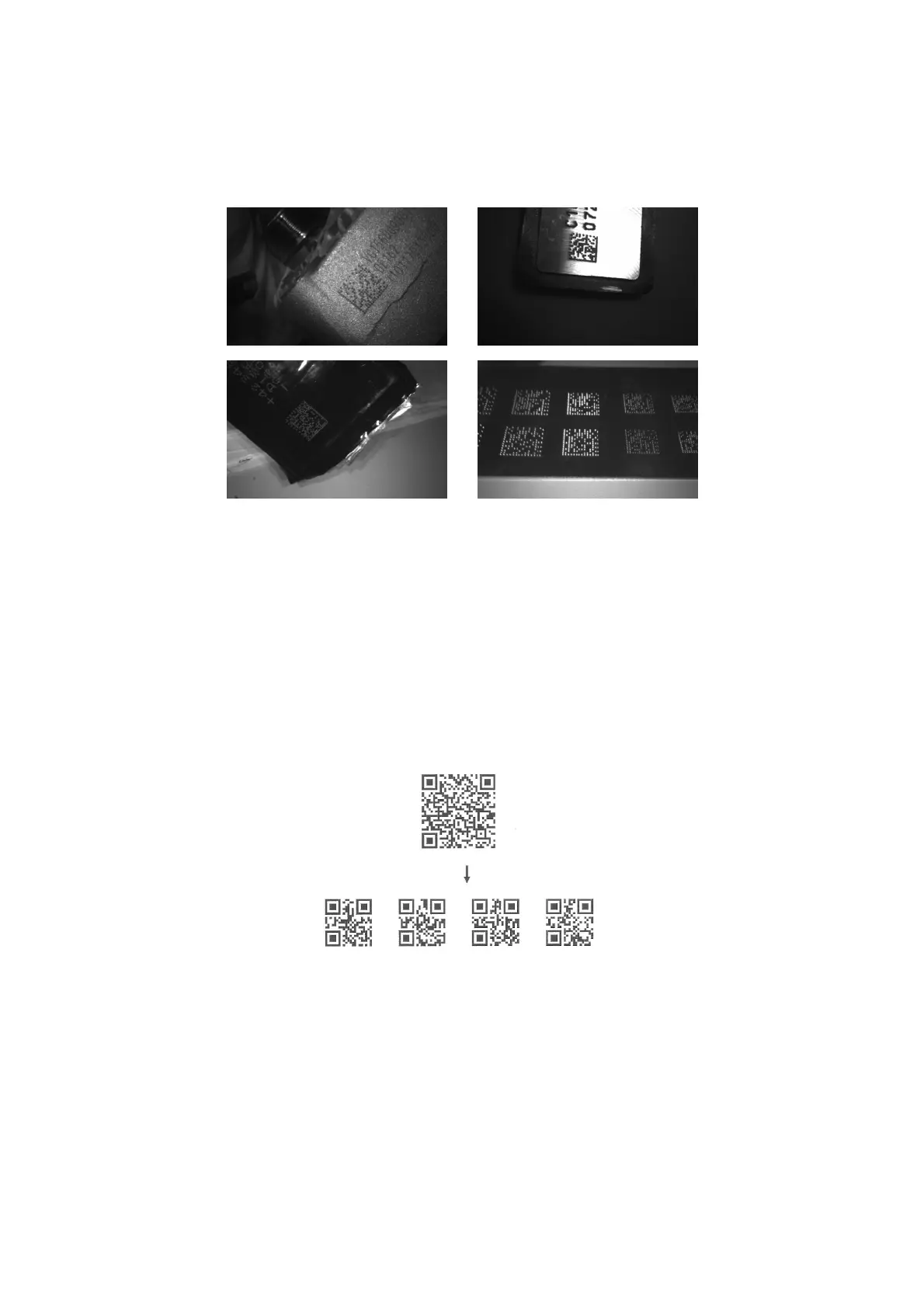
DPM format read: By setting Enable, the imager can read 2D symbols in DPM (Direct Park Marking)
format. Some barcodes in DPM format are shown below.
Multiple symbols & structured append symbols read:
1) By setting Enable, the imager allows to read multiple symbols with a single pull of the imager's trigger.
If the user pulls and holds the trigger, aiming the imager at a series of symbols, it reads unique symbols
once, beeping for each success read. The imager attempts to find and decode new symbols as long as
the trigger is pulled.
2) By setting Enable, the imager will output data only when all Structured Append symbols have been
decoded. The lower part of below figure shows an example of four Structured Append symbols, with
the same data as that in the upper symbol.
3) By setting Disable, the imager will only read the symbol closest to the aiming beam.
Single symbol (above) and Structured Append series of symbols (below) encoding
“ABCDEFGHIJKMNOPQRSTUVWXYZ0123456789ABCDEFGHIJKLMNOPQRSTUVWXYZ”
Vertical centering read: By setting Enable, the imager reads only the barcode centered by the aimer in
vertical direction. However, the imager will read either one of two barcodes which are positioned
horizontally.
Mobile screen read: By setting enable, the scanner can read barcodes on a mobile screen better.
However, this will slow the reading speed of normal barcodes a little bit, and the decode illumination will
flash.



 To Next Page