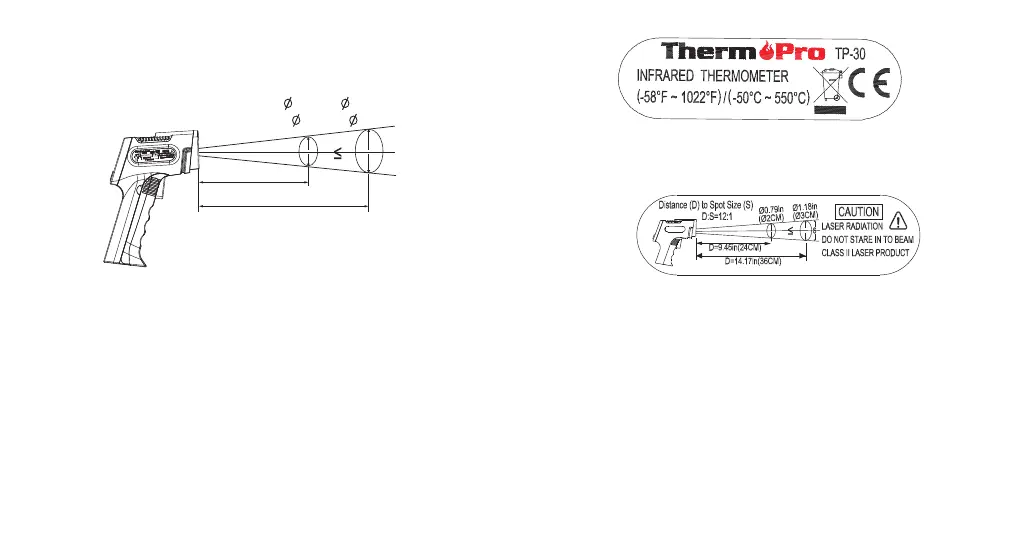
area of 0.66inch(1.67cm) in diameter.
Distance(D) to Spot (S) size D:S=12:1
D=9.45in(24cm)
D=14.17in(36cm)
S
0.79in
( 2cm)
1.18in
( 3cm)
Replacing Batteries
Low Battery Indication will appear on the
thermometer’s batteries are running low. Immediately replace the
batteries when the icon appears.
Upper Display when the
1. Open the Battery Compartment and remove the used batteries.
Dispose of the used batteries properly.
2. Insert two new AAA batteries with the correct polarity.
3. Close the Battery Compartment.
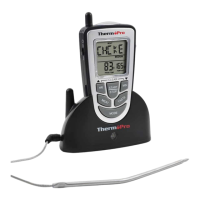
The device certification information is labeled directly on the device.
The sticker is located on the left side of the thermometer
Package Contents
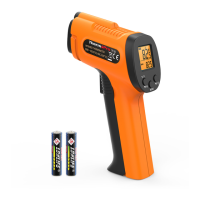
1x ThermoPro TP30 Infrared Thermometer
2x AAA batteries
1x User Manual
The device warning and aperture safety information are also labeled
directly on the device; this sticker is located on the right side of the
thermometer.
-10- -11-


 To Next Page