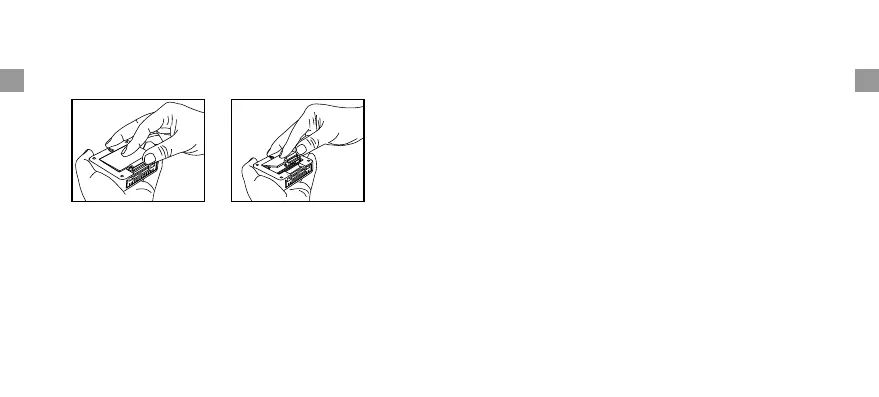
Battery Installation and Setup
1. Open the battery compartment of the remote sensor
below Figure;
as
2. Slide the channel selector switch inside the battery
compartment to your desired channel. For the first remote
you may select any channel, for additional remotes select
any unused channel;
3. Insert (2) AAA batteries according to the polarity
markings. Replace the battery compartment cover;
4. Open the battery compartment at the back of the base
station and insert (2) AAA batteries according to the
polarity markings. Replace the compartment door;
5. Press the °F /°C button at the back of the base station to
display the temperature in °F or °C.
For maximum performance in normal conditions we
recommend using good quality alkaline batteries.
If the battery power is low, there will be low battery icon
showing on the base station display.
Do not mix old and new batteries.
Do not mix alkaline, standard (carbon zinc), or rechargeable
(nickel cadmium) batteries.
Note:
-12-
-13-
ENEN


 To Next Page