EX-TRAFIRE
®
75SD
Operator Manual, Revision T-57-48
SECTION 7�
TROUBLESHOOTING
SECTION 7: TROUBLESHOOTING
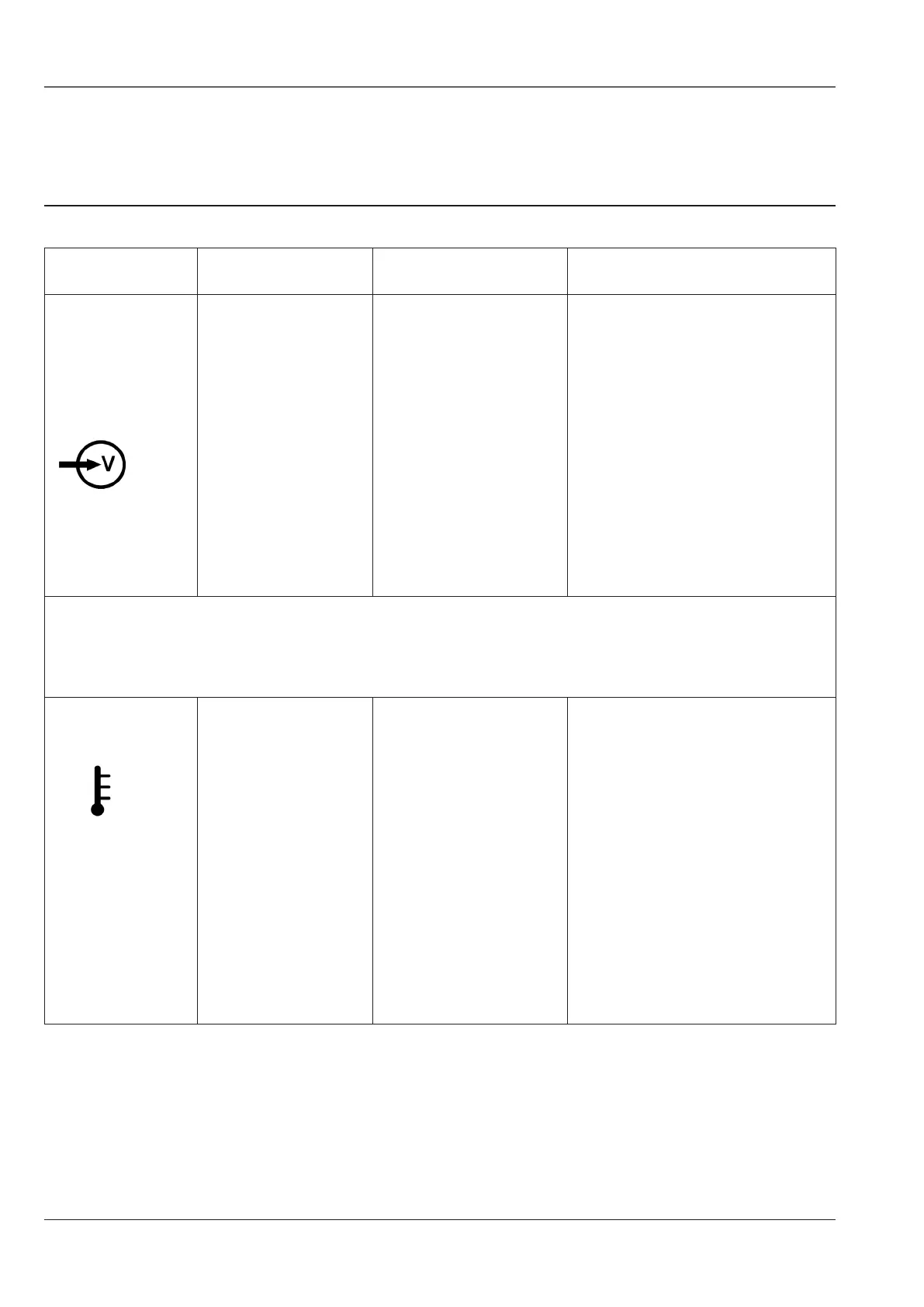
Fault This may mean Cause Solution
Main switch
is ON and the
AC power
LED1 fails to
illuminate�
• No / low voltage
of mains power
source�
• Insufficient mains
power source�
• Check the mains input
voltage 3 x 400VAC ± 15%
(3 x 220VAC ± 15%)
• Check internal control board
supply�
• The mains power
lead is not plugged
in to a live socket�
• Plug the mains power lead
in to a live socket�
• Main power switch
is defective�
• Replace the main power
switch�
Note: The fan turns ON and OFF automatically� The fan may not run when
the plasma arc power supply is switched on�
The LED4
illuminates�
• Over-
temperature (OT)
• Fan fault� • Ensure fan is free running,
correct condition�
• Duty cycle over
limit�
• Allow the power supply to
cool down and reset� Do not
exceed the rated duty cycle�
• Over-current
(OC)
• Some of power
supply inside
component is over
lifetime or burned
out�
• Contact your distributor�



 To Next Page