To Next Page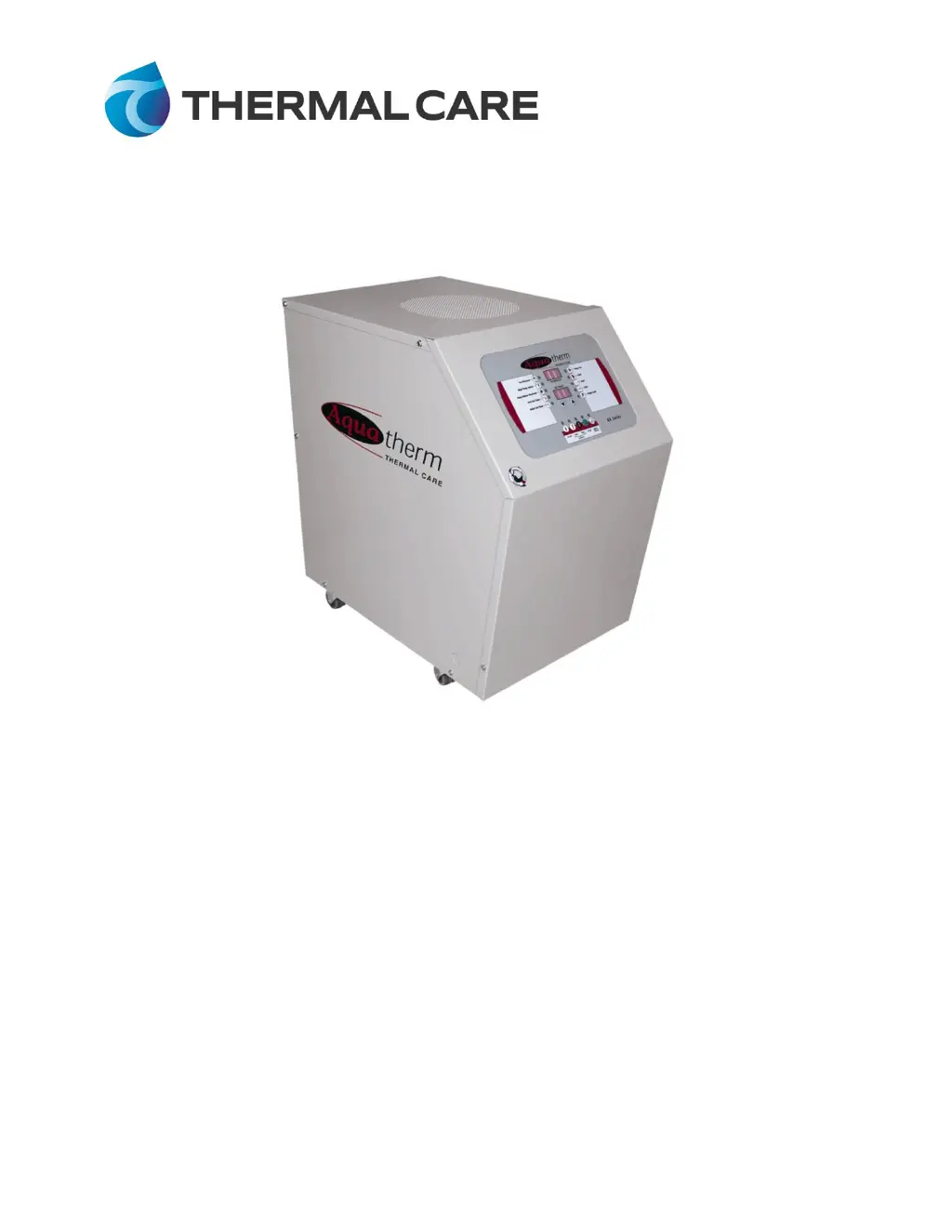
L
luisbenderAug 9, 2025
Why is my Thermal Care RA0908 overheating and overcooling?
- Kkevin96Aug 9, 2025
If your Thermal Care Temperature Controller is alternating between overheating and overcooling, or rapidly cycling from heat to cool, several factors could be at play. First, check the water flow by examining connectors and increasing their size if needed. For systems with many or long hoses, shorten hose runs and maximize hose size to reduce pressure drop. If quick disconnects with check valves are present, remove the check valves to decrease pressure drop. Also, inspect the thermocouple connection and replace it if necessary. Finally, consider replacing the controller if the microprocessor has failed.
 General