EasyManua.ls Logo

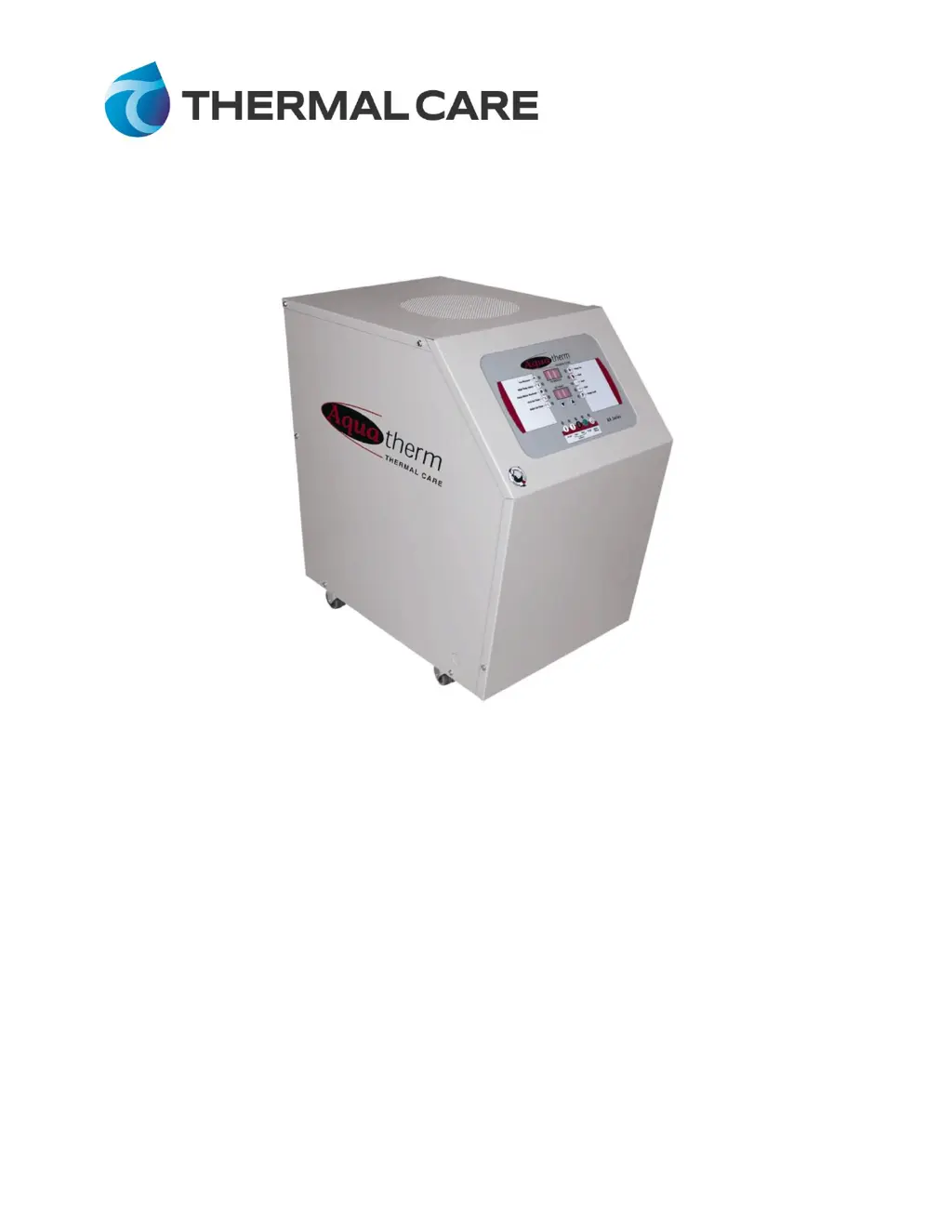
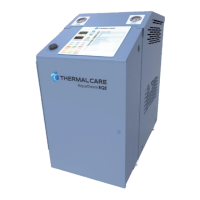
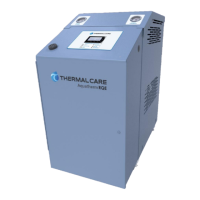
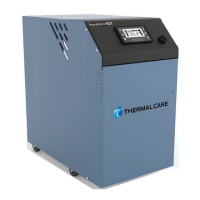
Thermal Care RA0910 - User Manual

Default Icon
24 pages
Print Icon
To Next Page IconTo Next Page
Loading...
Installation & Operation Manual
RA Series Temperature Control Unit

Questions and Answers

Summary

Installation

Electrical Power

Requirements for connecting the unit to the main power supply, including voltage and phase sequence.

Process Connections

Start-Up

Control Panel Operation

Power Button Function

Controls unit power, initiates diagnostics for brownout detection.

Start Button Function

Initiates pump operation and the Auto-Vent sequence.

Low Pressure Indicator

LED illuminates if inlet cooling water pressure drops below the safety set point.

High Temp Safety Indicator

Shuts down unit if To Process temperature exceeds 260°F (127°C).

Pump Motor Overload Indicator

Indicates motor overload, stopping unit operation.

Probe Fault Indicator

Indicates thermocouple signal out of tolerance, shutting down unit.

Changing Temperature Display Scale

Procedure to change temperature display between °F and °C modes.

Auto Tune Function

Function to automatically select optimal control parameters for the system.

Diagnostic Error Codes

Control Options

SPI Communications

RS-485 communication port for unit data exchange with other equipment.

Operation

Construction

Pressure Switch

Safety device ensuring adequate inlet cooling water pressure for operation.

Pressure Relief Valve

Safety device to vent system pressure if it exceeds operating limits.

Preventive Maintenance

Troubleshooting

Thermal Care RA0910 Specifications

General IconGeneral
BrandThermal Care
ModelRA0910
CategoryTemperature Controller
LanguageEnglish

Related product manuals