11
Installation Instructions:
Step 1:
Step 2:
Step 3: Step 4:
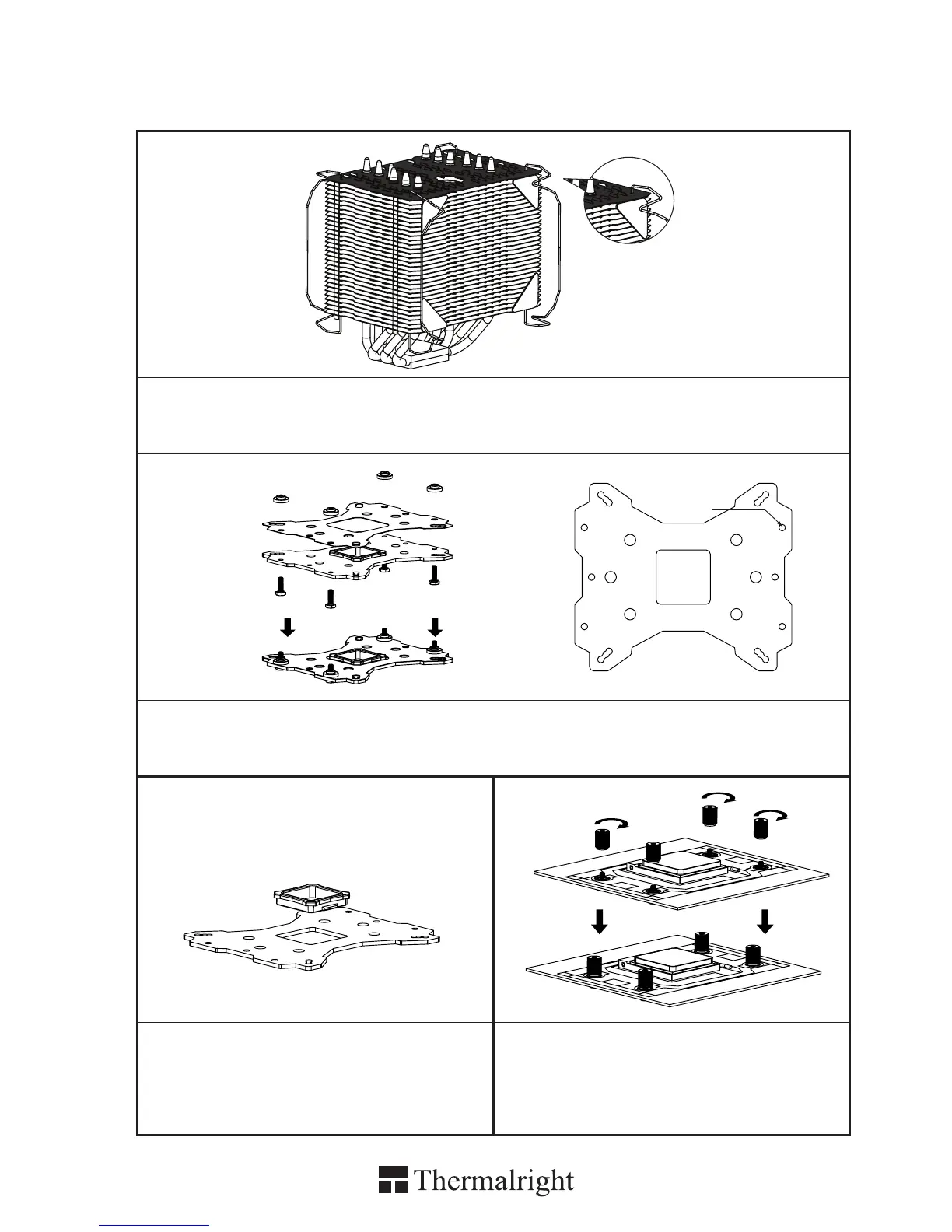
Step 1 : Part Installation
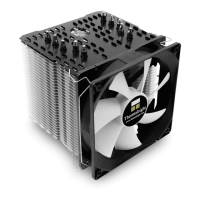
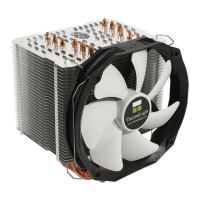
Take out Macho cooler from the paper box. Remove the TY-142 from the cooler by pulling the Fan Clips
upwards in order to give room for ease of installation. And leave the Fan Clips on the Heatsink Body. Do
not remove them. Apply Anti-Vibration Padding to 4 corners on the Heatsink Body.
Step 3 :backplate cap
Note: When installing on a 939 platform, please
first insert the Back Plate Cap into the opening
on the Back plate, make sure you have the Cap
facing downwards. (Only for 939).
Step 4 : Place the motherboard on top of
the Back Plate. See the four Screw Pillars go
through the four holes around the processor
socket.Cap the four Screw Pillars with the four
Screw Nuts.Make sure the side with a washer is
facing the Back Plate.
AMD
Step 2 : Backplate Installation
Choose the platform (AMD) you are in use. Make four M3L10 Screw Pillars go through the Metal Back
Plate and the Mylar lm from bottom towards top. And then place the Metal Back Plate on the table. Put
the four Washers (for AMD) around the Screw Pillars.


 To Next Page