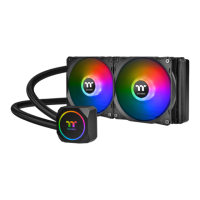
C240 DDC SOFT TUBE LIQUID COOLING KIT
3
2
Installation Guide
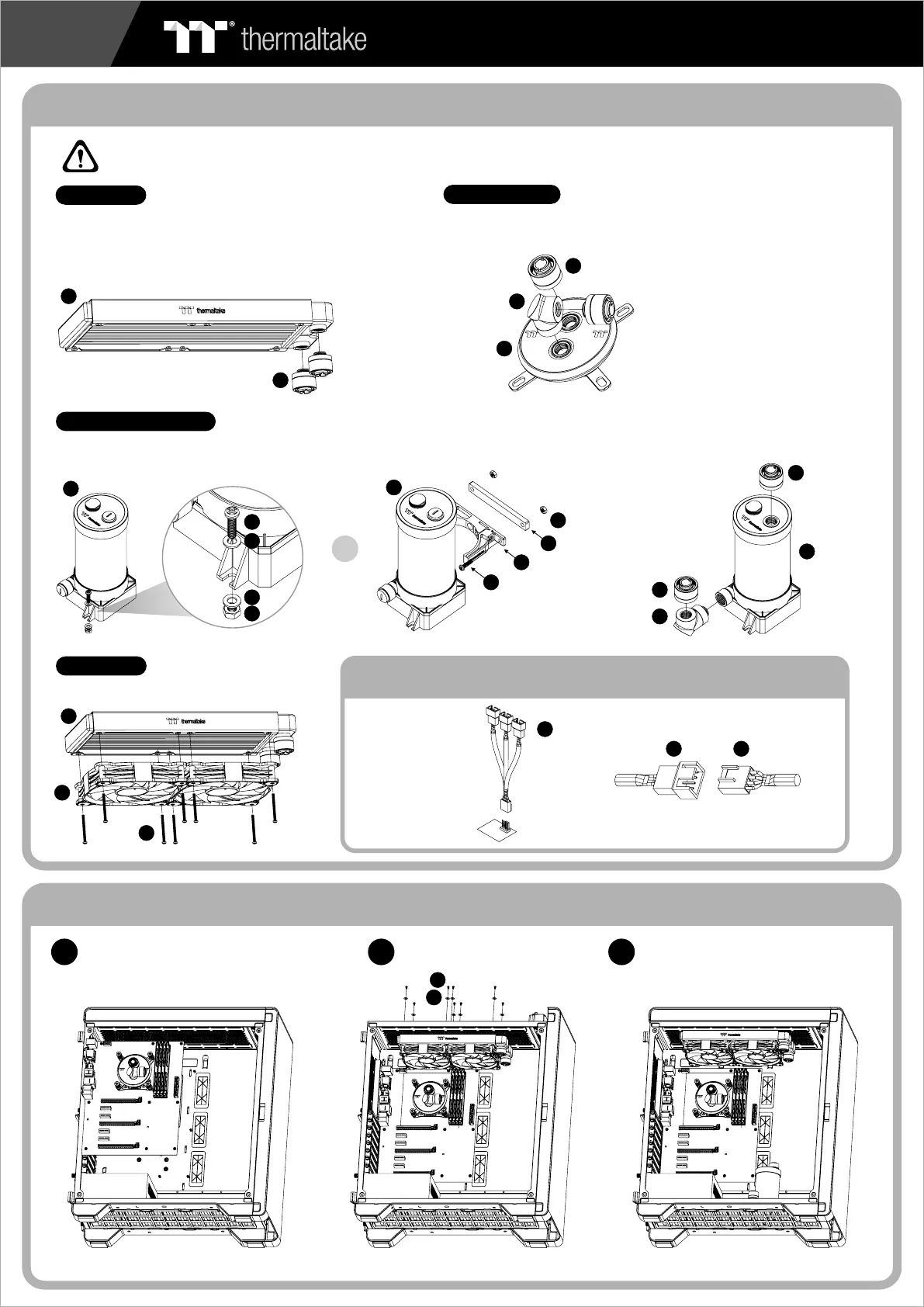
To ensure a clean loop, flush and rinse your radiators
and water blocks with distilled water before using.
Make sure the fittings are screwed securely when
placing them onto the radiator.
Attach the fittings to the inlet and outlet of the water block.
Radiator
Water Block
Installation Walkthrough (Example: A500 TG)
Place the motherboard into the case. Position the radiator.
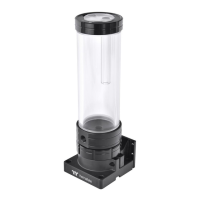
Attach the pump and reservoir into
the chosen locations.
1
2
27
01
26
27
23
22
21
Attach the fans to the radiator
Case Fan
20
24
Connect the PWM
cable to motherboard.
31
Connect the fan power cable to PWM cable
2031
21
Connect the fan power cable when the liquid cooling system
is completely finished
26
27
27
12
CAUTIONS:
Make sure there is enough space when you start to set up the LCS product
or
12
12
15
14
18
13
15
16
16
14
Attach fittings onto the pump and reservoir
Pump / Reservoir
Choose the proper way to mount the pump and reservoir by referring to the manual
(suggest vertical placement)





 To Next Page